I have tried quite a few different personal assistants over the last year, and it is evident that there is no tool that would suit everyone. Whenever I need assistance with my writing or brainstorming or general productivity, my go-to option is always ChatGPT as it performs a variety of different functions well.
While working in Gmail or Google Docs, I prefer using Google Gemini as it blends into the Google ecosystem quite seamlessly. When I have to review lengthy documents such as reports, research papers or contracts, I tend to use Claude, as it understands all of the nuances of the document.
Managing work, meetings, emails, and personal chores is more difficult to manage together. According to a Microsoft Work Trend Index report published recently, 68% of individuals do not have enough uninterrupted time to focus at work.
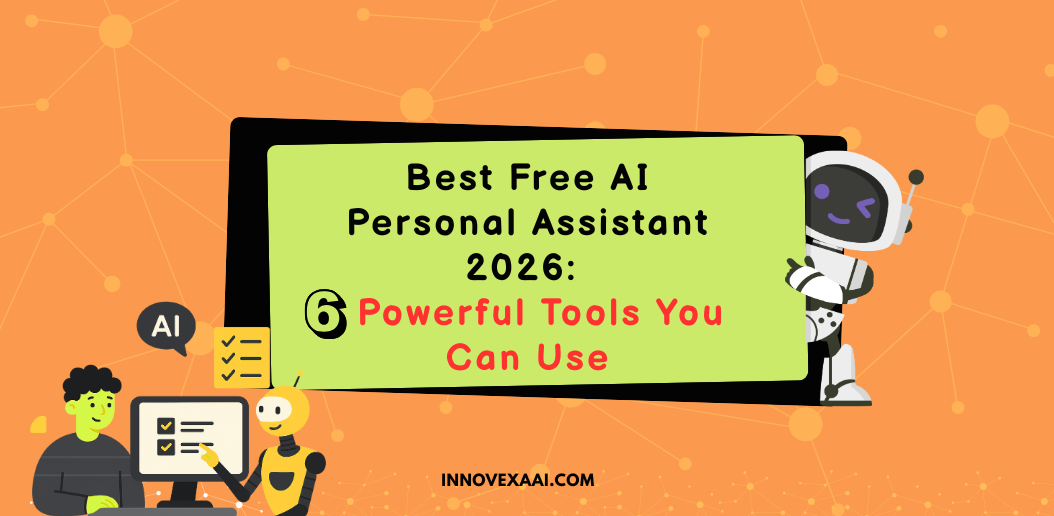
In this guide, I’ll walk you through the best free AI personal assistants in 2026, what each one does best, where it falls short, and who I think should use it, so you can choose the one that actually fits your workflow.
Best Free Personal Assistants in 2026: Comparison Table
| Tool | Best For | Free Plan | Standout Feature | Starting Paid Price |
| ChatGPT | Everyday productivity, writing, research | Yes | One assistant for writing, planning, research, and file analysis | $20/month |
| Google Gemini | Google Workspace users | Yes | Deep integration with Gmail, Docs, Drive, and Search | $19.99/month |
| Claude | Long documents and content creation | Yes | Handles large documents and detailed analysis exceptionally well | $20/month |
| Microsoft Copilot | Microsoft 365 users | Yes | Native integration with Word, Excel, Outlook, and Teams | $20/month |
| Perplexity | Research and fact-checking | Yes | Source-backed answers with web citations | $20/month |
| Pi | Personal conversations and daily guidance | Yes | Natural, friendly conversational experience | Free |
1. ChatGPT
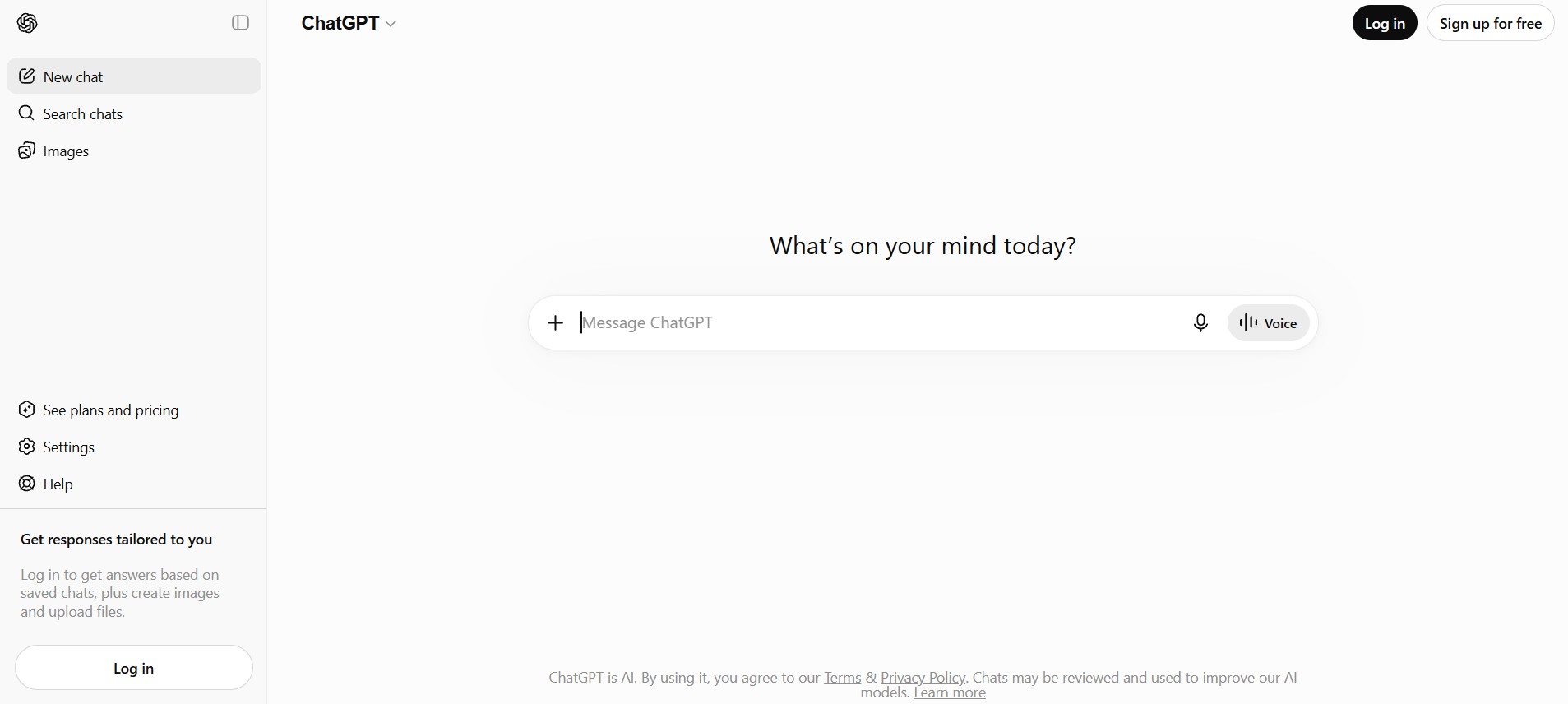
If you’re after a tool that can do a little bit of everything, ChatGPT could be the easiest option. From writing an email, creating a travel itinerary, summarizing a document, coming up with ideas or comprehending any complex topic, ChatGPT adjusts itself to the various uses.
This is why many students, freelancers, and professionals are using it on a daily basis. Rather than juggling multiple applications, you can get your work done in one chat session.
Strengths
- Excellent all-around assistant
- Handles writing, research, planning, and learning
- Supports voice conversations
- File and image analysis
- Web search capabilities
Limitations
- Free customers may hit limitations during peak times
- Advanced functions require premium subscriptions only
Who It’s For
Students, professionals, freelancers, marketers, business owners, and general users for multiple tasks.
Pricing
| Plan | Price |
| Free | $0 |
| Go | $8/month |
| Plus | $20/month |
| Pro | Up to $200/month |
2. Google Gemini
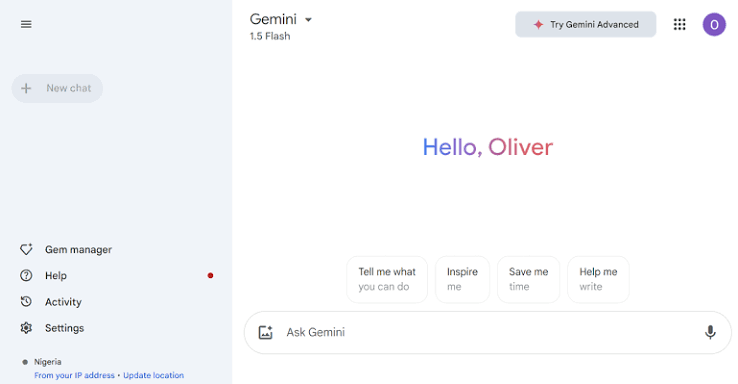
Gemini will feel quite natural to you if most of your daily activities are about Gmail, Google Docs, Drive, and Google Search.
There is no need for you to learn any new workflow because you may simply instruct it to write documents, create emails, search for something, or organize data while remaining within the same Google environment.
It is one of the easiest assistants to integrate for those who use Google Workspace.
Strengths
- Strong Google Workspace integration
- Real-time web information
- Image generation capabilities
- Gemini Live voice assistant
- Supports video, PDF, and image uploads
- Fast responses
Limitations
- Advanced workspace integrations require paid plans
- Less effective outside Google’s ecosystem
Who It’s For
Google Workspace users, students, researchers, and professionals who rely heavily on Google tools.
Pricing
| Plan | Price |
| Free | $0 |
| Google AI Pro | $19.99/month |
| Google AI Ultra | $99.99-$200/month |
3. Claude
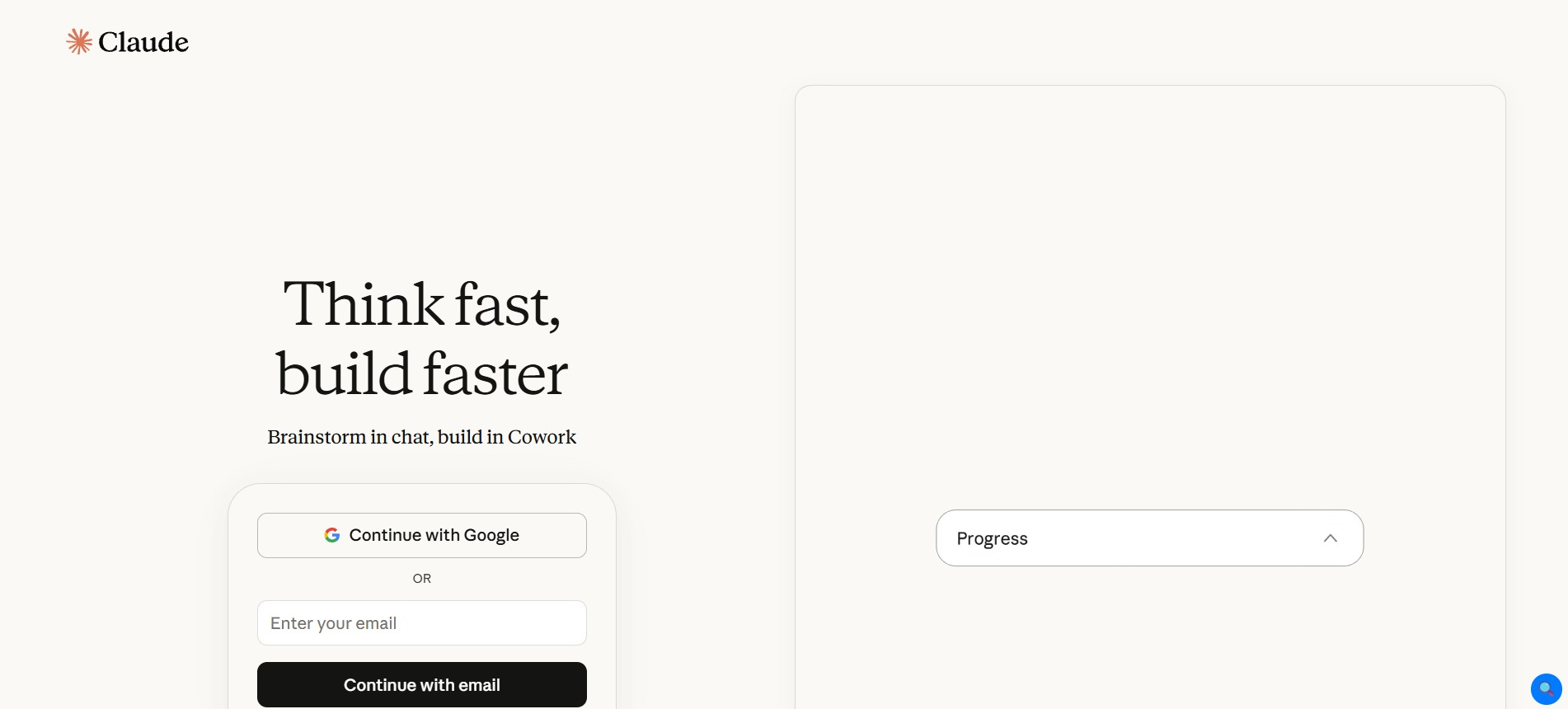
Large reports, contracts, research papers, and technical documents could easily be confusing. However, Claude is among the very few assistants who would remain comfortable handling large documents and not get lost in context.
For people whose work involves reviewing or producing detailed documents, Claude would be more efficient than general-purpose assistants for long conversations.
Strengths
- Excellent writing assistance
- Handles large documents
- Strong reasoning abilities
- Large context window
- File uploads supported
- High-quality summaries
Limitations
- No native image generation on the free plan
- No voice mode in the free version
- Usage limits apply
Who It’s For
Writers, researchers, analysts, students, lawyers, and professionals working with long-form content.
Pricing
| Plan | Price |
| Free | $0 |
| Claude Pro | $17/month |
| Claude Max | $100-$200/month |
4. Microsoft Copilot
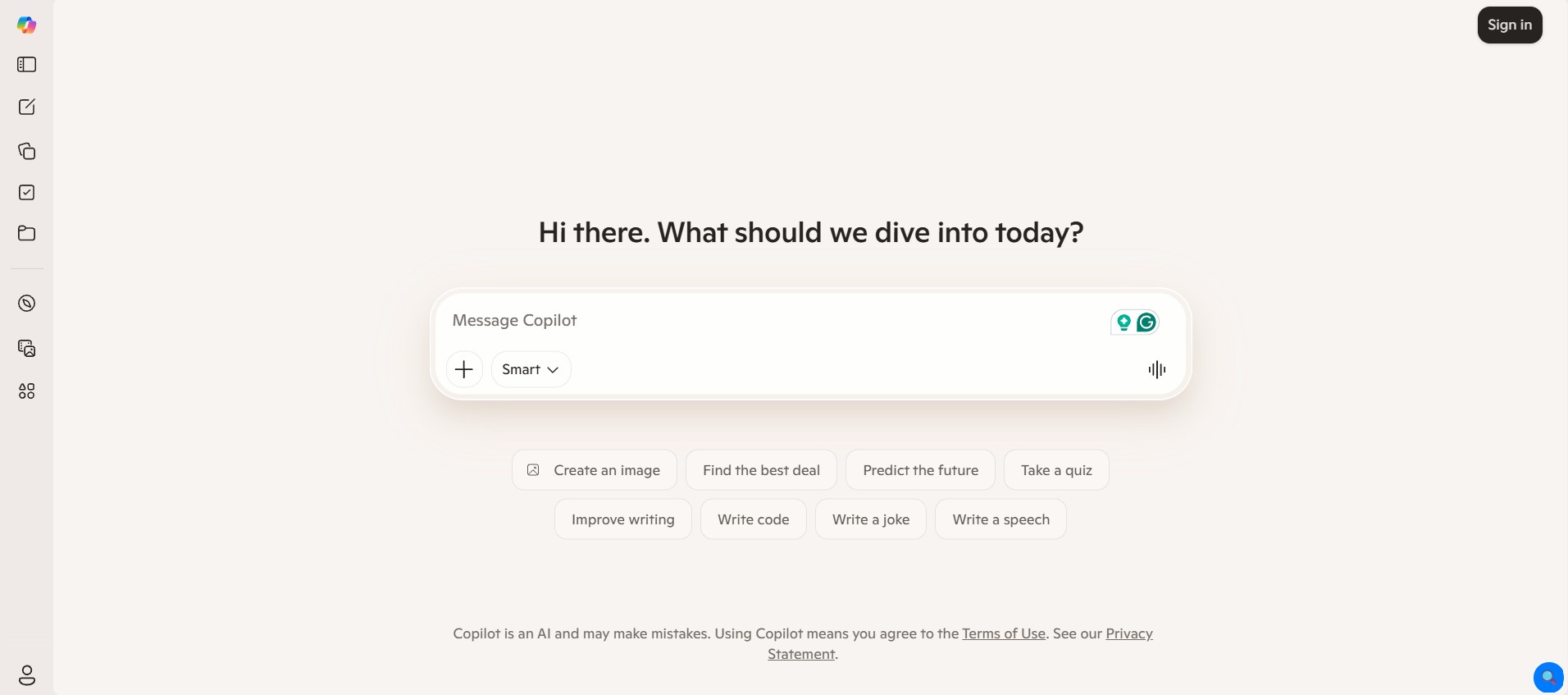
Microsoft Copilot works in much the same way as an extension to your current environment when you are constantly working inside Word, Excel, Outlook, or Teams throughout the day.
This tool assists in creating content, summarizing meeting minutes, analyzing your spreadsheets, and performing all your routine office tasks without making you alter your work processes. It is a natural fit for companies using Microsoft 365 services.
Strengths
- Microsoft ecosystem integration
- Image generation included
- Research assistance
- Document creation support
- Productivity-focused features
- Familiar interface
Limitations
- The best experience requires the Microsoft ecosystem
- Some premium integrations require paid plans
Who It’s For
Microsoft 365 users, business professionals, office teams, and enterprise users.
Pricing
| Plan | Price |
| Free | $0 |
| Copilot Pro | $20/month |
| Microsoft 365 Copilot | $30/user/month |
5. Perplexity
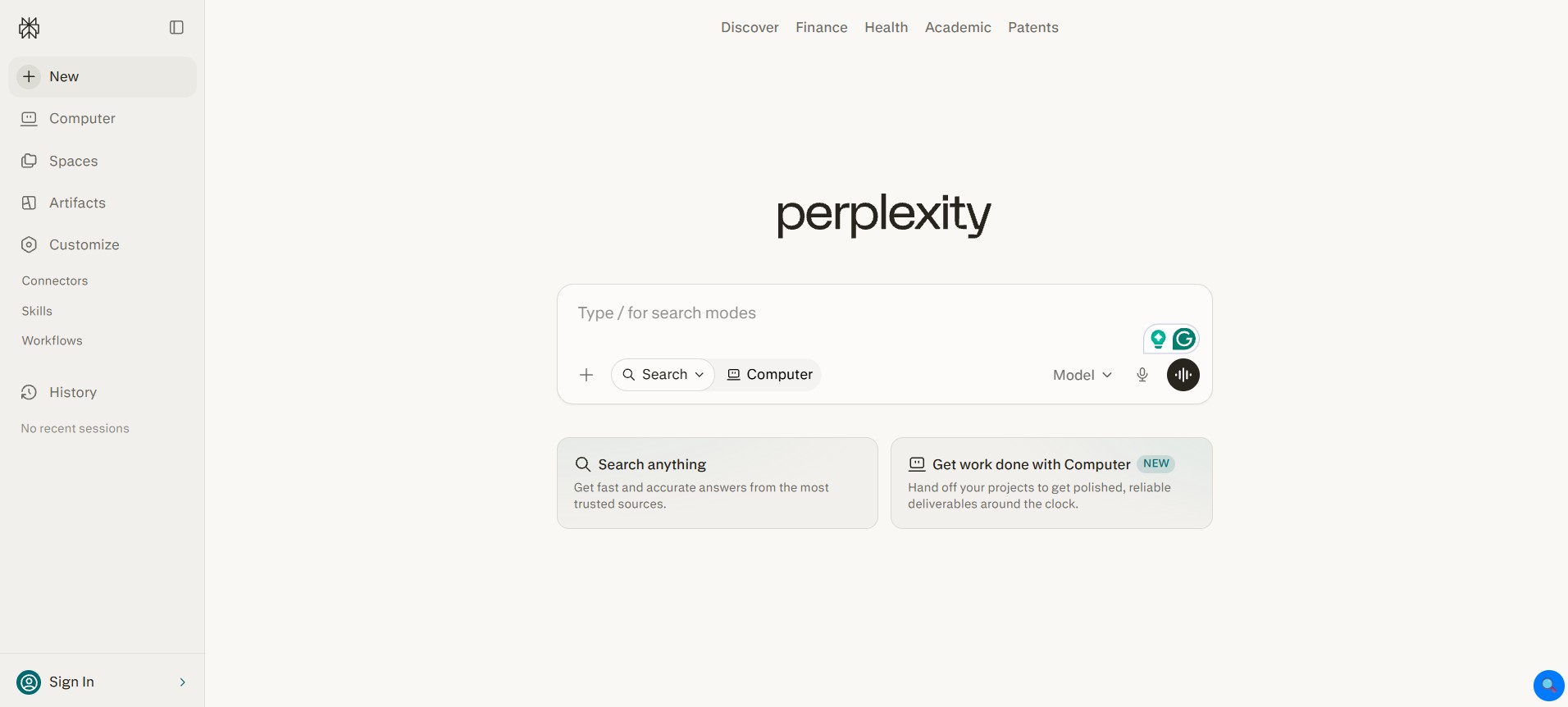
Sometimes you don’t need help writing; sometimes all you need is a trusted source. And that’s what Perplexity does differently from others. Instead of providing information without background, it provides references for the data, which makes verification of the facts really simple.
In case you need to research any topic, compare something, or find trustworthy sources, Perplexity will save you many hours of scrolling through search results.
Strengths
- Source-cited answers
- Excellent research capabilities
- Real-time web access
- Deep research features
- Clean user interface
- Fast information retrieval
Limitations
- Less conversational than some competitors
- Advanced research features require paid plans
Who It’s For
Researchers, students, marketers, journalists, and content creators.
Pricing
| Plan | Price |
| Free | $0 |
| Pro | $17/month |
| Enterprise Pro | $34/user/month |
| Enterprise Max | $271/user/month |
6. Pi
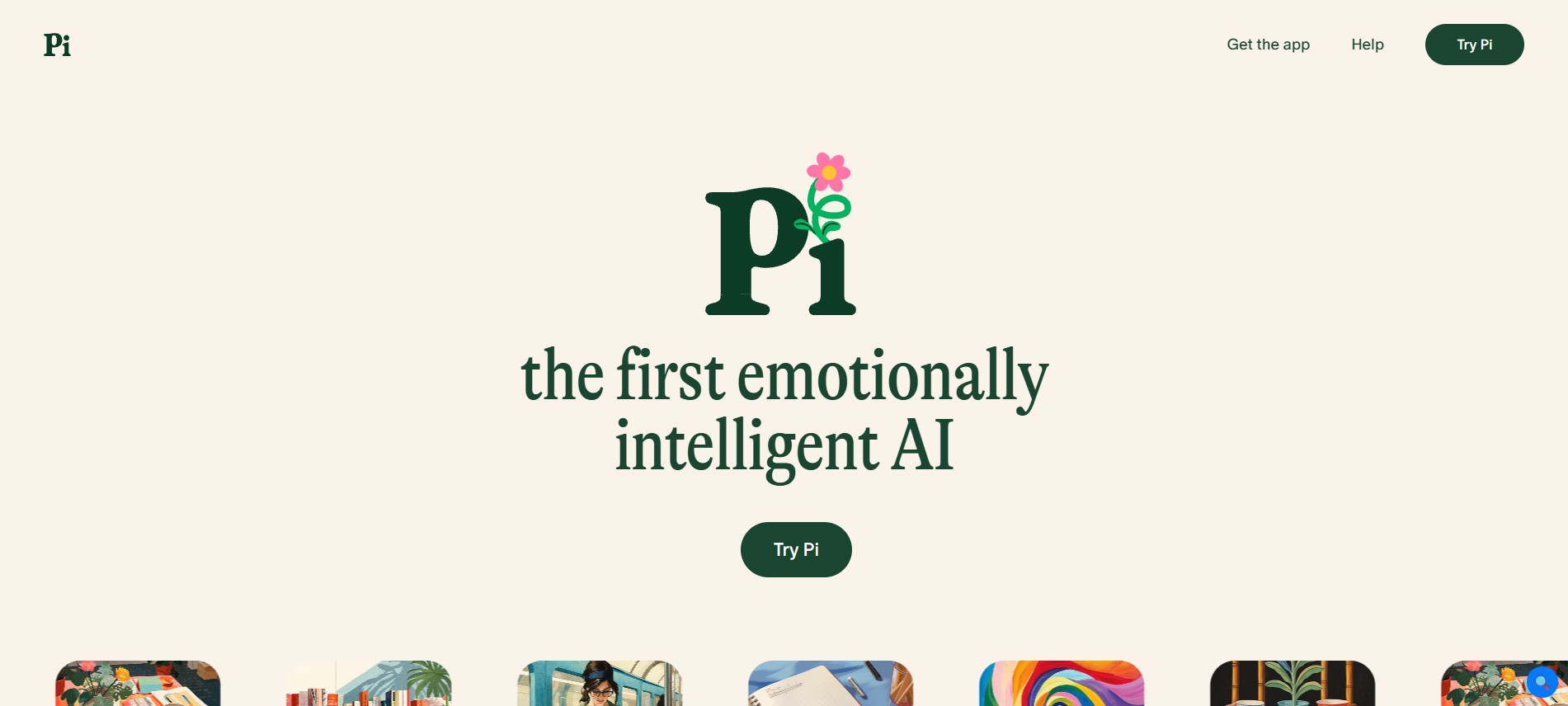
Not all digital assistants center on productivity. There are times when you just need an assistant that is easy to converse with. And that’s where Pi shines. The conversation flow is laid-back and supportive without being transactional.
If you want someone to bounce ideas off of or to reflect on your day, Pi is the perfect fit, especially compared to the typical productivity-based assistants out there.
Strengths
- Natural conversational experience
- Friendly personality
- Voice interaction
- Emotional intelligence
- Easy to use
Limitations
- Limited business productivity features
- Not ideal for advanced research
- Fewer integrations than competitors
Who It’s For
People seeking a conversational assistant rather than a work-focused productivity tool.
Pricing: Free Plan
Wrapping It Up
The best ai personal assistant will depend on your way of working. For instance, if you are looking for a single application, then ChatGPT and Gemini will be great choices.
Perplexity is better suited for research work while Otter AI will be perfect for meetings and note-taking, and Reclaim AI for managing time.