ViralFindr

What is ViralFindr?

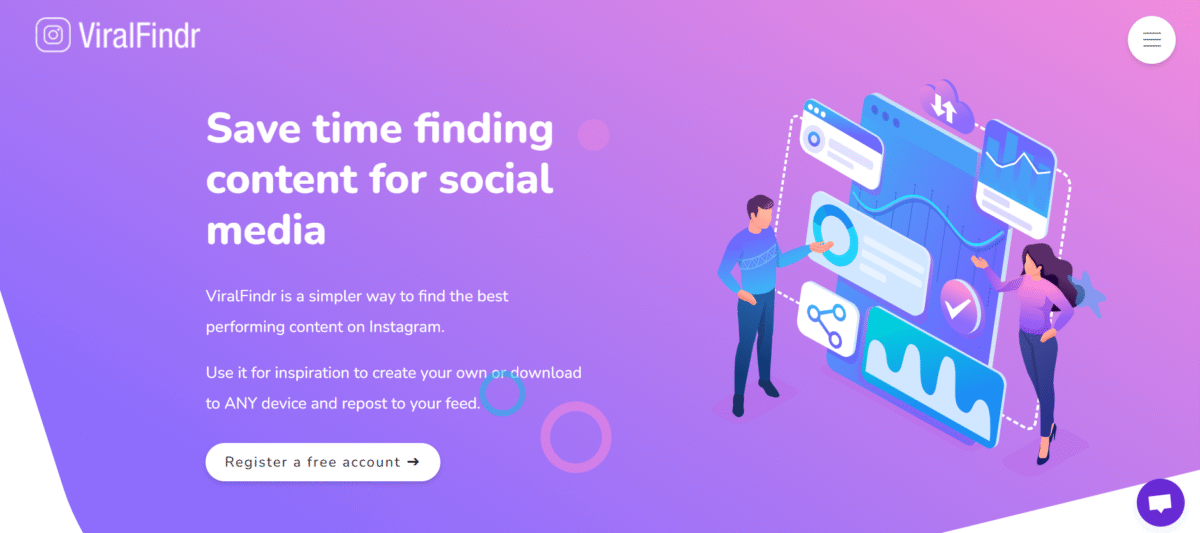
ViralFindr is an AI-based application that assists people in finding trending content, videos, or topics. The application uses viral trends across different social media platforms to help businesses easily develop a social media strategy. ViralFindr helps you find trending content that works well with audiences, thus saving you time and increasing your online presence.

It offers insights such as likes, views, and engagement-related data that help users draw inspiration, realize successful content strategies, and repurpose such popular ideas for growing their own pages, either by downloading the content or linking to it directly.

Key Features of ViralFindr

  • Content Discovery: 

ViralFindr is a tool that uses artificial intelligence to identify viral articles, videos, and topics to discover what is trending on social sites.

  • Personalization: 

It enables you to feed relevant content to your audience on the basis of their interest and engage with them accordingly.

  • Analytics Integration: 

It has analytics integration that enables performance tracking by informing you about the influence of viral content on your social media plan.

  • Fast and Easy: 

ViralFindr ensures that the process of researching the content is fast and straightforward, thus relieving businesses of the burden of having to find the content themselves.

  • Downloads of High Quality: 

From this platform, you can download high-quality. This is because with high quality, your posts will be aesthetically desirable.

How to Use ViralFindr

  • Open your web browser and navigate to the ViralFindr website.
  • Sign up for a free account; logging into your Instagram account is required for full functionality of the Explore feed, but not for basic searches.
  • Use a public Instagram username to view its best-performing posts.
  • You may use video search or hashtags to find trending topics in your area.
  • Displays posts based on likes, comments, views, or engagement rates.
  • Filter by Format (Reels, Carousels) to find what works best.
  • Look for recurring themes, caption hooks, and popular subjects.
  • Look for viral videos for the purpose of deriving posting inspiration.
  • Download trending posts and give your own twist to replicate the trending ideas.

Who Can Use ViralFindr

  • Social media managers:
  • Content Creators
  • Marketers
  • Small Businesses

Pros & Cons

Pros:

  • It saves time by identifying relevant information that is trending.
  • The intuitive interface makes it easier to explore as well as analyze content.
  • Enhances social media success using data-driven insights with viral patterns.
  • Very cost-effective, making it ideal for small businesses.
  • Capable of supporting multiple systems as well as multiple languages.

Cons:

  • Must have a backup plan in case it does not provide the desired results.
  • It is restricted to online documents and does not include offline trends.
  • There are fewer features in the free account compared to the premium plans.
  • It lacks the integration of offline sources.
  • Some users may find its suggestions a bit too narrow at certain points.

Pricing & Plan

  • Free Plan: $0 for 3 searches, 3 analytics, and 10 downloads/month for each search user.
  • Team Plan: $14.95 a month for 25 searches, 5 analytics, 200 downloads, favorites, live chat, and email support.
  • Business Plan: $29.95 per month for unlimited search queries, 10 analytics tools, unlimited downloads, favorites, live support, email support, and FAQs.
By Alex Peter

Alex Peter is an AI specialist at Innovexa AI with more than 5 years of practical experience in artificial intelligence. He focuses on AI agents, AI workflows, cutting-edge AI tools, and the latest advancements shaping the industry. Passionate about simplifying complex concepts, Alex writes insightful content that helps readers stay informed and ahead in the fast-changing world of AI.

SeaArt AI

What is SeaArt AI?

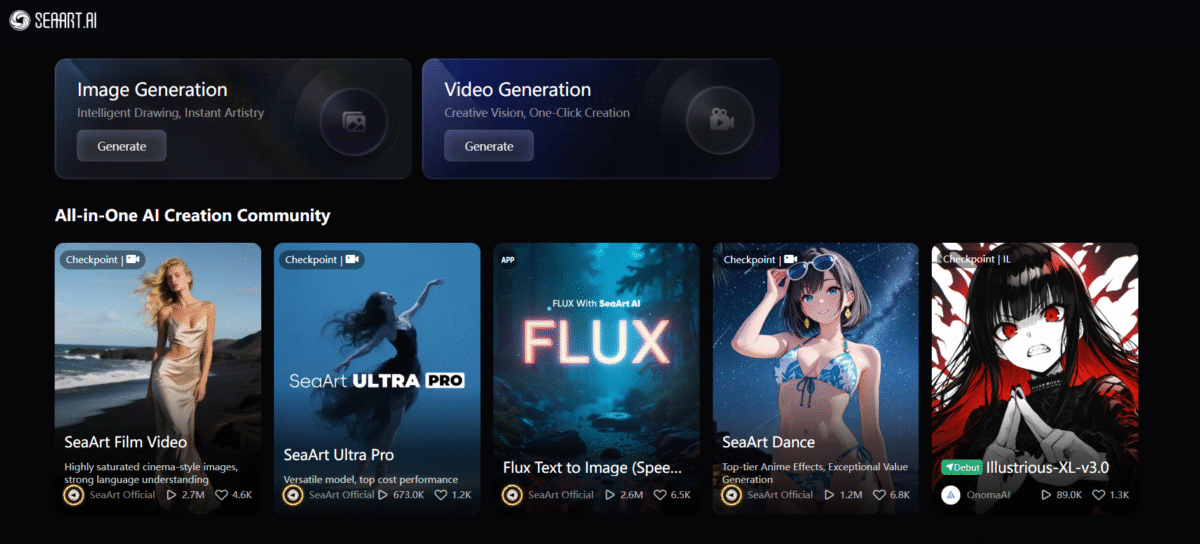
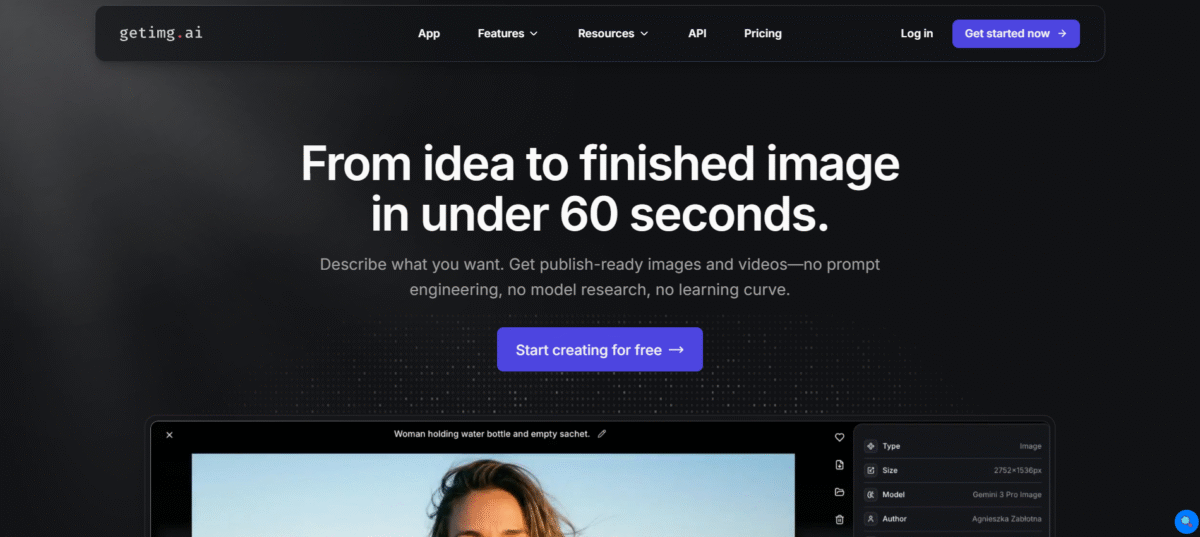
SeaArt AI is an AI-based platform that offers a range of features, including AI-generated artwork, videos, chat, and more.

It also provides high-level AI models, text-to-image and video creation, and conversational AI for characters so that one’s creative ideas can be realized.

It was designed for various creative applications, including the creation of anime images, AI video production, and interaction with AI characters through dialogue and memory parameters.

Coupled with the extensive model collection of more than 210,000 models, SeaArt.AI can satisfy the different artistic tastes of individuals to ensure the perfect fit for their work.

Key Features of SeaArt AI

  • Various Art Styles: 

Right from portraits to animated characters, SeaArt AI offers a variety of styles to select from.

  • Enterprise Version: 

It has strong capabilities for corporate use where heavy art generation is required.

  • AI-Driven Tools: 

Tools such as AI makeup effect, face swap, portrait generation, and HD restoration.

  • User-Friendly Interface: 

This is a friendly interface that enables easy navigation and artwork design.

  • Customizable Templates: 

Custom-made templates for creating projects according to a template design.

How to Use SeaArt AI?

  • Sign up for a free account or use the tool without registration.
  • Enter the text prompt for the type of image you want.
  • Enter your preferred style or allow AI to choose based on your input.
  • Just click the ‘Generate’ button, and your AI art is ready in a matter of moments.
  • Download the artwork, edit it if needed, or share it on any platform you choose.

Who Can Use SeaArt AI?

  • Digital Artists can apply the SeaArt AI system in order to find new styles in their artwork.
  • Game Developers use the tool to quickly develop characters and level settings.
  • Graphic Designers can use SeaArt AI tools for creating different components required for their design tasks.
  • Content Creators use the tool for creating fresh graphics for social media and marketing purposes.
  • It may be used in institutions of learning as a teaching aid in art and design classes.

Pros & Cons

Pros:

  • A free option is available for evaluating the basics without obligations.
  • It has simple navigation, making it perfect for both beginners and professionals.
  • Produces detailed and high-resolution images.
  • Supports a variety of styles such as realism, cartoons, anime, and abstraction.
  • An active community that promotes collaboration and sharing.

Cons:

  • The advanced features require a subscription.
  • Results may vary based on the input prompts. 
  • The artwork created in the free tier can be made public. 
  • The premium plan may not appeal to hobbyists.

Pricing & Plans

Free Tier: 

The SeaArt AI has a free tier for its users to experience the basic features.

Enterprise Tier: 

Specialized plans based on the complex requirements of businesses.

By Alex Peter

Alex Peter is an AI specialist at Innovexa AI with more than 5 years of practical experience in artificial intelligence. He focuses on AI agents, AI workflows, cutting-edge AI tools, and the latest advancements shaping the industry. Passionate about simplifying complex concepts, Alex writes insightful content that helps readers stay informed and ahead in the fast-changing world of AI.

Abhyas AI

What is Abhyas AI?

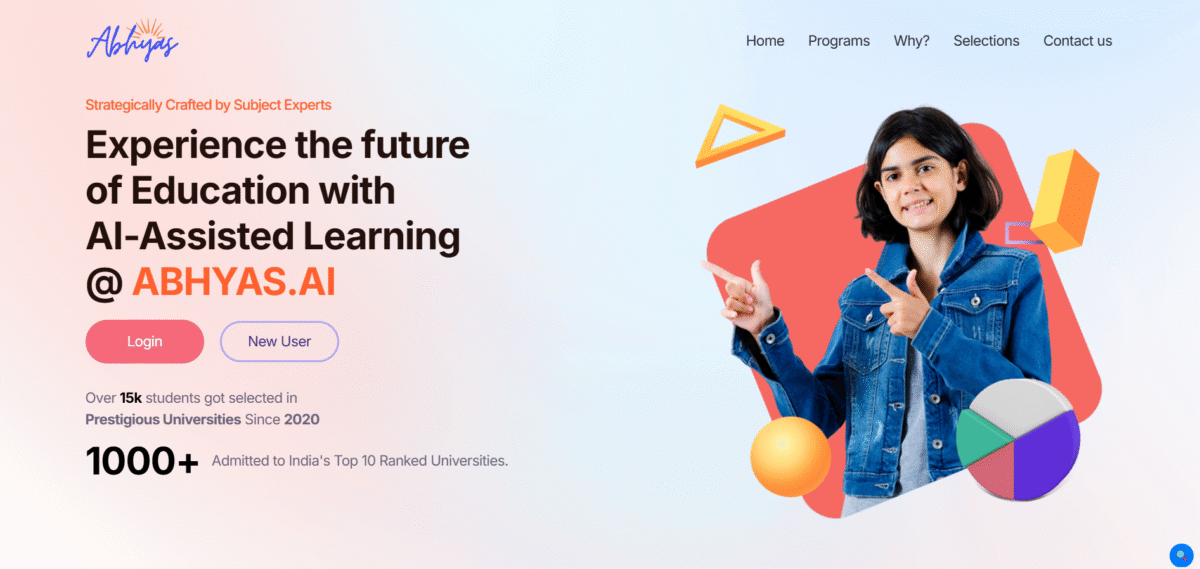
Abhyas AI is an online education platform that applies artificial intelligence technology, designed for students preparing for JEE and NEET. It brings together a 3+ Lakh question base, 1000+ hours of conceptual video classes, as well as AI-powered analysis to point towards shortcomings in preparation, as well as an optimal learning plan.

It is an adaptive study planner with the ability to break down the whole syllabus for a week based on the time available to the individual student, as well as their previous performance and target exam dates.

This makes study plans more realistic, measurable, and adaptive to each student’s speed. The uniqueness of the AI in Abhyas is the hybrid model that incorporates ML algorithm-enabled personalization and human support in the form of an “Ask a tutor” messaging service.

Key Features of Abhyas AI

  • Individualized Learning Paths

Personalizes listening paths based on the strengths and weaknesses of each student individually.

  • AI Evaluation

Provides recommendations of newly curated practice questions based on students’ simulated results

  • Mock Tests & Practice Papers

Provide realistic and simulated time practice to students when actively practicing their assessment.

  • Performance Tracking Reports

Analysing where the students are accurate, speedy, and on which topics they need to improve.

  • Concept Clarification

Give a breakdown explanation of key ideas and step-by-step answers.

  • Adaptive Difficulty Levels

Questions adapt and adjust accordingly based on individual students.

How to Use Abhyas AI?

  • Sign up for a free account on the Abhyas AI Platform
  • A choice should first be made for the subject and the target exam (JEE or NEET). The level
  • AI will test you on your pre-existing Knowledge
  • Follow the daily tasks, practice questions, mock tests, etc.
  • Apply analytics to point out weaknesses that need to be addressed.

Who Can Use Abhyas AI?

  • JEE Aspirants
  • NEET Aspirants
  • Class 11 and 12 Students looking to improve Physics, Chemistry, and Biology/Maths.
  • Coaching Institutes

Pros & Cons

Pros:

  • Study plans adaptable according to available time
  • Huge 3+ lakh question bank
  • Over 1000 hours of video lessons
  • Actionable Analytics for Learning Gaps
  • Use Ask-a-Tutor to resolve doubts
  • Model test papers that resemble real test patterns
  • Dashboards for cohort management at institutions
  • Effective selections and academic collaborations
  • Mobile and desktop access to flexible learning
  • Progression with mastery, developing mastery.

Cons:

  • Full access to content requires payment
  • Best optimized for Indian exam patterns
  • Availability of Internet connection for videos and tests
  • Content gaps for niche subjects on occasion
  • Support for regional languages may be incomplete

Pricing & Plan

Free Plan

It costs $0 per month. 1 Project, 5 Included team members, 1,000 Dataset images, 100 Auto label credits per month, Data augmentation feature

Pro Plan

It costs $8/month. Unlimited saving of prompts, Create and save templates, Advanced prompt chains, Export prompt sets, Priority support

Team Plan 

It costs $25/month. Includes All Pro features, plus: Team libraries, Access control based on. roles, Collaborative features, Analysis of prompt use

By Alex Peter

Alex Peter is an AI specialist at Innovexa AI with more than 5 years of practical experience in artificial intelligence. He focuses on AI agents, AI workflows, cutting-edge AI tools, and the latest advancements shaping the industry. Passionate about simplifying complex concepts, Alex writes insightful content that helps readers stay informed and ahead in the fast-changing world of AI.

Immersity AI

What is Immersity AI?

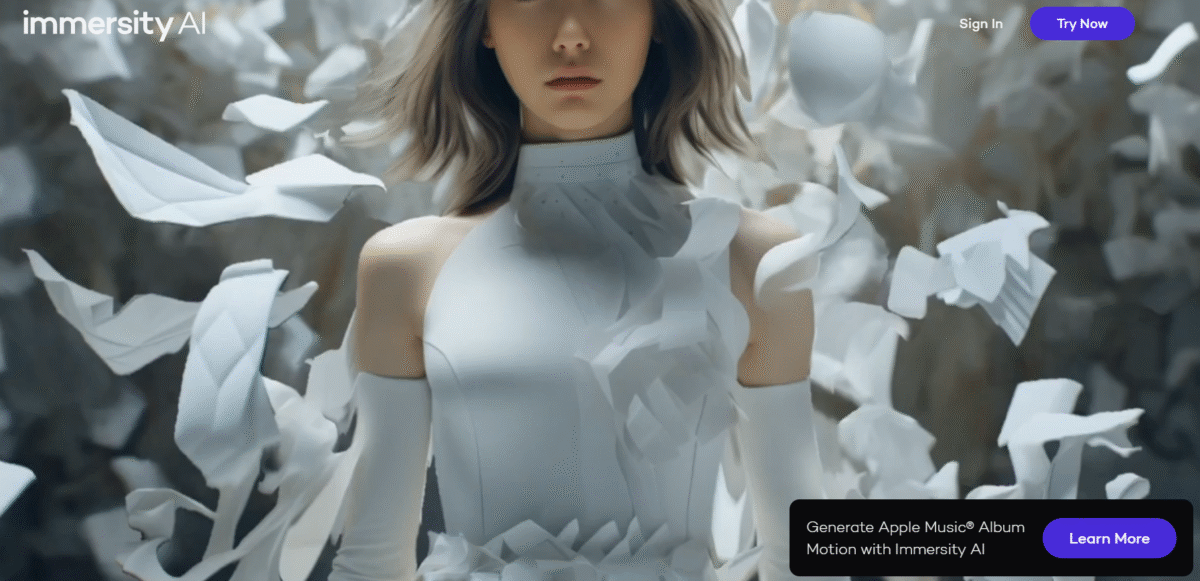
Immersity AI platform uses AI to transform 2D images and videos into 3D immersive experiences. The technology can create 3D depth in digital images, make 3D motion from 2D images, and create 3D videos. The use of this technology can benefit content creators, marketers, and artists in the process of creating images and videos.

Immersity AI has several key features, comprising sophisticated AI technology that deals with difficult tasks such as modifying depth maps and performing personal animations. It has a simple interface that makes this tool accessible to all, and users can easily convert pictures to various formats. Immersity AI is very important to people who want to create lifelike pictures by adding animations to still pictures.

With the use of Immersity AI, one can make more attractive and memorable animations, which can greatly enhance the impact of the visuals. It may range from improving the family album to making posts on social networking sites or presentations in a professional environment; in each case, Immersity AI provides a versatile solution to convert a static image into a more immersive experience.

Key Features of Immersity AI

  • Converting 2D to 3D Motion:

Bring static graphics to life with dynamic 3D animations, adding realism to your visual elements.

  • Instant Previews:

Get instant views of the final output to enable corrections and further adjustments prior to finalizing the conversion process.

  • Full Camera Control:

Personalize the paths of cameras to realize your desired perspective, ensuring that each of your projects meets your creative vision.

  • Multi-Layered Depth Mapping:

Improve the realism of the videos with enhanced depth information in the maps to immerse the viewer in the video.

  • Compatibility with XR Devices:

Enjoy the experience of watching or using 3D content on the latest XR devices like Apple Vision Pro or Meta Quest, further enhancing the applications of your work.

How To Use Immersity AI?

  • Register to create an account on Immersity AI.
  • Upload your picture or video if it is supported.
  • Customize animation and adjust depth & motion.
  • Select free features from Immersity AI.
  • Download and export your 3D motion video or image for free.

Who Can Use Immersity AI?

  • Content Creators are looking for a dynamic immersion in their visuals.
  • Marketers who want to create engaging, immersive media-quality content
  • Educators who want to point to interactive visuals to teach
  • Game Developers looking to prototype 3D scenes quickly
  • Social Media Managers looking for content that stops a scroll
  • Ad Agencies interested in trying out new visual formats for campaigns

Pros & Cons

Pros:

  • User-friendly interface, ideal for a beginner.
  • Processing 2D to 3D is quite fast
  • No stronger tech/design skill required
  • Supports creative applications in marketing, education, gaming, and many other fields
  • Available as a cloud-based solution, compatible with various devices

Cons:

  • Editing capabilities for heavy users 
  • May not scale to the quality of high-end traditional 3D software
  • Requires internet connectivity for processing

Pricing & Plans

500 Credits: 

These are available at a price of $5.00, giving access to almost everything on the site.

1,200 Credits: 

$10.00 per package, it also includes bonus credits and is considered a great value for creators.

100 Free Credits: 

New users are provided with free credits to try out the functionality of the platform.

By Alex Peter

Alex Peter is an AI specialist at Innovexa AI with more than 5 years of practical experience in artificial intelligence. He focuses on AI agents, AI workflows, cutting-edge AI tools, and the latest advancements shaping the industry. Passionate about simplifying complex concepts, Alex writes insightful content that helps readers stay informed and ahead in the fast-changing world of AI.

Turbo AI

What is Turbo AI?

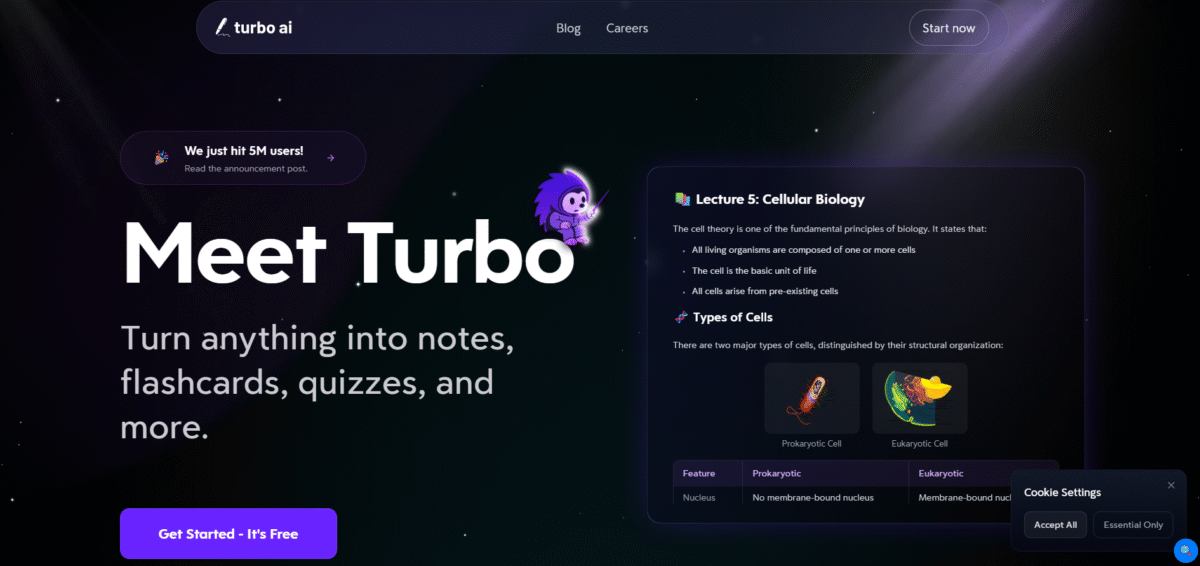
Turbo AI, commonly known as Turbolearn AI, is a note-taking and study platform that has more than 5 million users. It creates notes, flashcards, quizzes, and podcasts from any audio, PDF, or YouTube video.

Key Features of Turbo AI

  • Multi-format input support: 

It allows the upload of PDFs, videos, audio files, YouTube links, and recorded lectures. This enables content-agnostic processing.

  • Instant AI note generation:

Transforms extensive content into polished, well-organized notes, complete with tables, graphs, equations, and concise summaries of essential points.

  • Automated Flashcards and Quizzes:

With a single click, your material transforms into review-ready flashcards and individualized quizzes, designed to boost active memory.

  • Podcast-style output: 

Transforms your study notes into audio.

  • An AI Chatbot Tutor:

It can answer questions on the content you’ve provided, providing contextual responses that draw directly from your resources.

  • Collaborative workspace with cross-device synchronization: 

Organize your study materials, share them with classmates, and access your notes from any web browser or mobile device.

  • Analytics and memory tracking:

It helps you monitor your progress, identify where you are weak, and optimize your studying technique.

How to Use Turbo AI?

  • Create an account. Sign up for free with your email, Google, or Apple account.
  • Log in: Enter your credentials to access your own dashboard.
  • Upload Content: Send audio files, videos (including YouTube links), or PDF documents for processing.
  • Instant Generation: Turbolearn AI quickly generates notes, flashcards, and quizzes based on your uploaded content. 
  • Interact with AI. Utilize the AI chatbot to answer as many relevant questions as possible regarding your content.
  • Review and learned: To facilitate better learning, one should apply notes, quizzes, and flashcards.

Who Can Use Turbo AI?

  • From undergraduates to postgraduates, and come from a variety of subjects and prestigious universities.
  • People looking to quickly learn training materials, industry updates, or new job skills.
  • Teachers, lecturers, and trainers must efficiently develop learning materials and quizzes.
  • These are lifelong learners and skill developers looking for a structure for individual study.
  • Departments, clubs, and entire institutions are interested in AI-powered study tools for their students.

Pros & Cons

Pros: 

  • Reduces response time and increases client satisfaction.
  • Automating conversations reduces the need for large customer service personnel, resulting in cost savings.
  • Maintains a high level of interaction quality, which positively impacts your brand.
  • Ensures that client inquiries are answered around the clock, hence increasing service availability.

Cons: 

  • Some users may struggle with the initial setup and customization process.
  • As with any AI, there is a slight risk of misinterpretation or improper replies.
  • There is a need for a stable internet connection and technological infrastructure to work properly.

Pricing & Plans

Free / Starter Plan: 

Limited lecture processing hours per month, a small quiz/flashcard quota, and very basic upload capabilities.

Pro Plan:

It costs $5.99/month. Include extended hours, more uploads, limitless flashcards, a larger quiz bank, transcript access, and all features.

The limitless/Top Tier Plan:

It includes limitless lecture inputs, uploads, big quiz/flashcard limits, and complete access.

By Alex Peter

Alex Peter is an AI specialist at Innovexa AI with more than 5 years of practical experience in artificial intelligence. He focuses on AI agents, AI workflows, cutting-edge AI tools, and the latest advancements shaping the industry. Passionate about simplifying complex concepts, Alex writes insightful content that helps readers stay informed and ahead in the fast-changing world of AI.

Study Fetch

What is Study Fetch?

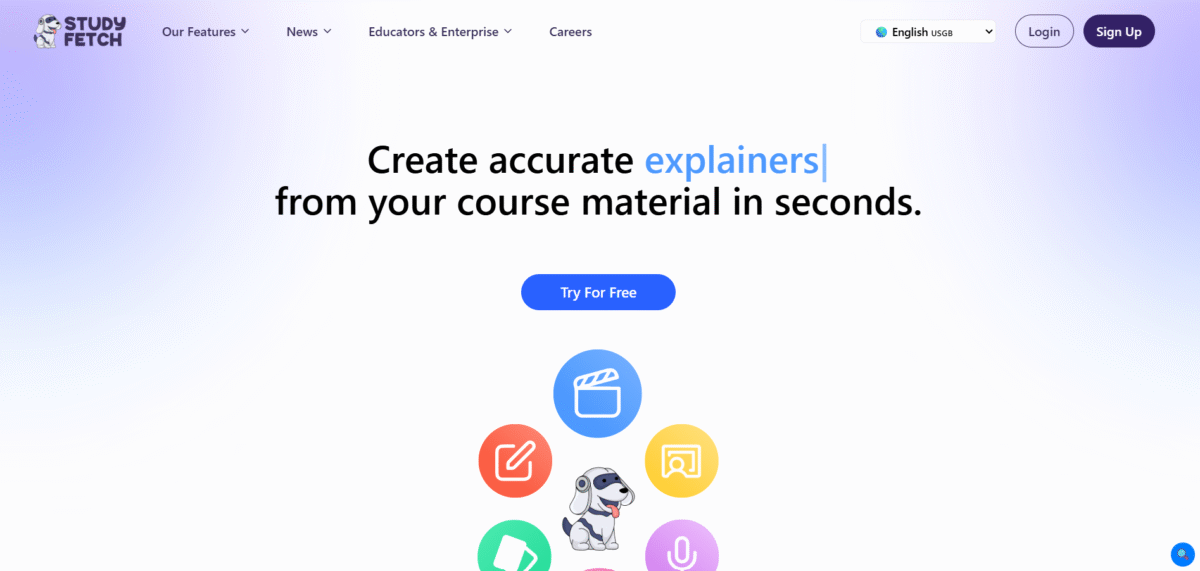
StudyFetch is an AI tool to help students and writers with academic tasks. It offers many features created to improve the learning experience, facilitating more effective information management and organization.

Key Features of Study Fetch

  • Notes AI: 

Enables the automation of complete note-taking on any training material to save time and ensure key information is not missed.

  • Flashcards AI: 

You can create Flashcards easily at the click of a button. It helps easily review and retain information in the long term.

  • Quizzes AI: 

Create quizzes from the study material so that one can assess the knowledge gained and determine areas that need further emphasis.

  • Spark.E AI Tutor: 

Engage with a personal AI tutor to learn in real-time learning and question-solving.

  • Spark.E Visuals: 

Asking questions about pictures, adding to visual learning.

  • Live Lecture Recording: 

Record lectures as well as take notes effortlessly.

  • Essay Grader: 

This tool provides feedback and suggestions on essays, thus improving writing capabilities.

  • Audio Summary: 

Get an audio summary of the study or notes to revise anywhere, anytime.

How to Use Study Fetch

  • Register: Sign up on Study Fetch’s platform.
  • Upload: Click on ‘Create a Set’ and upload your study material in different formats, such as PDF, DOC, PPT, and even YouTube videos.
  • AIProcessing: Spark.E scans and indexes your material so it becomes searchable and interactive.
  • Create and Interact: Make notes, flashcards, and quizzes. Also use Spark.E to interact.

Who Can Use Study Fetch

  • Beginning from high school to universities, students can make use of organized study materials and tutors.
  • Teachers can use this platform to create interactive learning material as well as check the understanding of comprehension.
  • People who want to learn and master any skill or knowledge at any point in life can make use of the Study Fetch in their learning.

Pros & Cons

Pros:

  • Spark.E is a powerful, 24/7 contextual AI tutor with innovative features like video generation and Wolfram math. 
  • It supports a wide variety of course material formats and syncs across web, iOS, and Android.

Cons:

  • The free tier is highly restrictive and quickly exhausted. 
  • The premium plan can be costly for students on a tight budget. 
  • Users have reported occasional bugs and saving glitches. 
  • Visual AI (Spark.E Visuals) is still maturing.

Pricing 

Free Plan

10 spark.E chats, 1 study set, 2 uploads. Perfect for cramming over the weekend.

Base Plan 

$7.99/month. 100 chats with Spark.E, 100 study sets, five practice tests, five video or audio uploads.

Premium Plan

$11.99/month. All resources unlimited, along with services like Live Lecture Assistant and images of handwritten notes. API documentation

By Alex Peter

Alex Peter is an AI specialist at Innovexa AI with more than 5 years of practical experience in artificial intelligence. He focuses on AI agents, AI workflows, cutting-edge AI tools, and the latest advancements shaping the industry. Passionate about simplifying complex concepts, Alex writes insightful content that helps readers stay informed and ahead in the fast-changing world of AI.