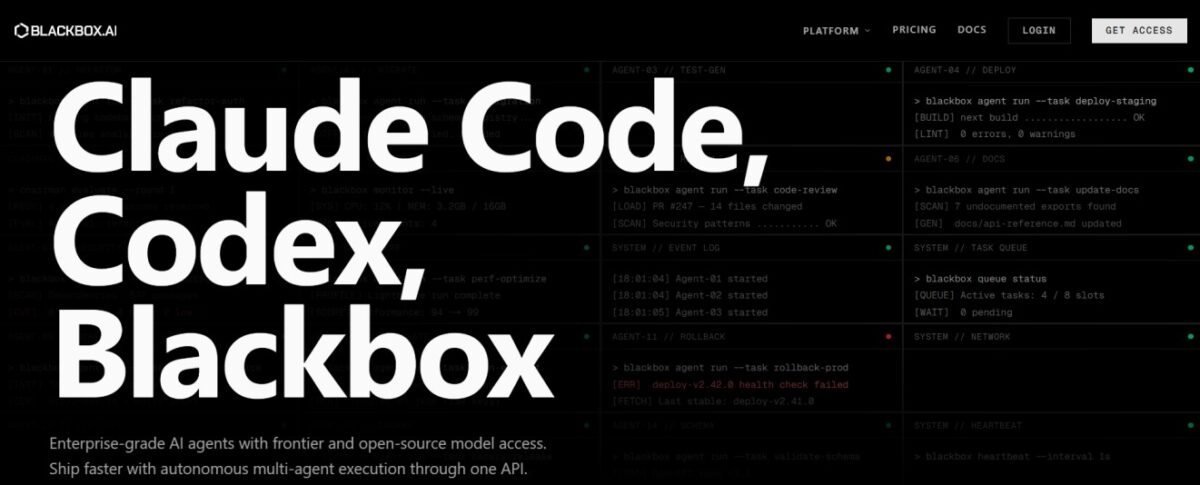
BlackBox AI is an AI-based tool designed for content and productivity tasks. It usually involves a combination of features, templates, and automation to enable better outcomes with fewer iterations. The tool should be used as an assistant where one adds context, selects a workflow, and finally reviews the output.
Key Features of Blackbox AI
Real-Time Code Generation & Autocomplete
This tool auto-completes the code as the user types. It supports over 20 programming languages.
Screenshot-to-Code
The tool can take a screenshot, UI design, or YouTube video and generate code snippets immediately.
Web Search Integration
You can access the latest information and documentation with the help of the ingenious tool, thus helping developers find code snippets and solutions instantly.
VS Code & IDE Agent
The AI tool can analyze the entire context of the code, track the user’s progress through milestones, and even refactor code.
Autonomous Agents & Cloud Deployment
The tool can deploy autonomous AI agents to the cloud to monitor and optimize codebases around the clock.
Voice Commands
It enables hands-free coding by allowing the user to communicate with the AI through voice commands.
How to Use Blackbox AI
Web App
- Visit Blackbox AI and sign up for a free account.
- Describe your coding problem or request code generation in natural language.
- Read and use the AI-generated response in your own codebase.
Browser Extension
- Add the Blackbox AI extension to your browser of choice.
- Highlight the code you want help with.
- Use the AI to generate code or fill in partially written code.
- Read and use the suggestions provided by the AI in your own code.
Who Can Use Blackbox AI
- Software Developers use Blackbox AI for code suggestions in real-time, auto-completion of code, debugging of code, and writing code with over 300 models.
- Students use Blackbox AI to understand code.
- QA Engineers use Blackbox AI to generate test cases from existing code.
- Organizations with Enterprise-grade options use Blackbox AI for secure and scalable AI-assisted development.
Pros & Cons
Pros
- It can read the entire project, not just the current file.
- It can be used for practical tasks such as debugging, writing unit tests, creating documentation, and running CLI tasks.
- It is easy to set up.
- Voice mode and auto mode are easy ways to interact with the AI agent without the need to type anything.
Cons
- The Chrome extension has a low rating, with users complaining about inconsistent behavior.
- There are complaints in reviews about support and billing.
- Plan limits and usage are not always clearly explained, especially on the pricing page.
- Blackbox compares itself favorably with Copilot, but its results are not verified by a third party.
Pricing & Plans
Free Plan
This plan offers basic code completion, chat, and search, with a limited number of daily uses.
Pro Plan
It costs $2-$10/month. Unlimited FREE Agent Requests with Minimax-M2.5. Access to AI models (Claude Opus 4.6, GPT-5.2, Gemini-3). Access to Voice Agent and Screen Share Agent.
Pro Plus Plan
It costs $15-$20/month. This plan is considered the most popular for everyday professional use, providing 3 times more usage capacity, Multi-Agent Execution, App Builder, and Coding Agent (35+ IDEs).
Pro Max/Teams Plan
It costs $40-$50/month. This plan is for teams and enterprises, providing all the capabilities of the Pro Plus plan, including collaboration, centralized billing, advanced security (SAML SSO), and priority support.