What is getimg.ai?
Getimg AI stands out as an easy-to-use AI art generator built on the powerful Stable Diffusion technology to create images from text prompts.
It packs a range of advanced editing features, including inpainting, outpainting, and robust text-to-image controls, making it even accessible to beginners.
It offers a smooth onboarding process with neat tips and presets, making it really great for artists and designers who want to generate creative visuals and concepts right away.
This tool allows you to design and train your specific AI model, whether for faces, objects, scenes, or other domains. Also, every model is being hosted by getimg.ai and will be ready for use in a couple of seconds.
Key Features of getimg.ai
-
AI Image Generation:
Generate high-quality images from text prompts or existing visuals.
-
Advanced Editing:
Enhance and alter images with a range of editing options.
-
Custom Templates:
Use and adapt templates for different design requirements.
-
Real-Time Adjustments:
Make changes and see the results right away.
-
High-Resolution Outputs:
It is possible to export images in high resolution suitable for professional use.
-
Style Transfer:
Transfer different stylistic artistic textures to images for creative visual effects.
-
Easy Integration:
Its integration with other design tools and platforms facilitates smooth workflows.
How to Use getimg.ai?
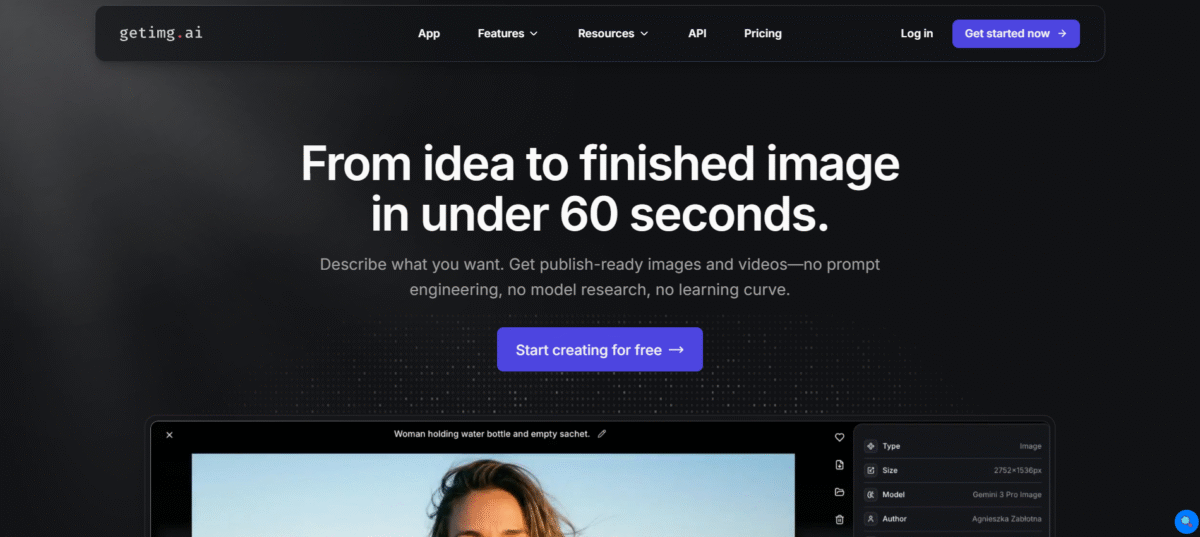
- To utilize the service of Getimg.ai, you need to visit its website and click on Start creating for free.
- To use the text-to-image tool, one must create an account or log in.
- Enter your prompt in the input field, choose a style, and pick a resolution before clicking on Generate images.
- For the other features of getimg.ai, select Tools from the navigation bar and choose the tool you want to use.
Who Can Use getimg.ai?
- Designers use for quickly create or enhance visual content.
- Marketing professionals develop interesting images for marketing campaigns and social media posts.
- Content Creators produce creative designs for blogging, web development, and multimedia projects.
- Businesses improve the imagery and promotion of the business by adding customized graphics.
Pros & Cons
Pros:
- Creates highly quality images with incredible accuracy and flexibility.
- Offers creative control, either with a text or image prompt
- Provided with canvas-based editing, outpainting, and background removal features.
- User-friendly interface for beginners
- Combines high-level creative features with intuitive workflows
Cons:
- The free version offers limited image credits
- Learning curve for advanced functionalities, such as model customization and canvas manipulation.
- You require a paid account to gain access to high-resolution images and additional features
- Limited for heavy users or professionals unless an upgrade is made
- There may be features that need to be learned.
Pricing & Plans
Entry: $0/month
It provides 100 credits/month for basic image generation, but without advanced editing features or video capabilities.
Core: $12/month
It provides 3,000 credits/month, commercial no restrictions, lossless image formats, and 10 video generations.
Plus: $29/month
It provides 12,000 credits per month and up to 40 video generations, with bigger batch processing sizes.
Ultra: $49/month
It provides 24,000 credits/month, 80 video generations, and 100 training images for custom model training.