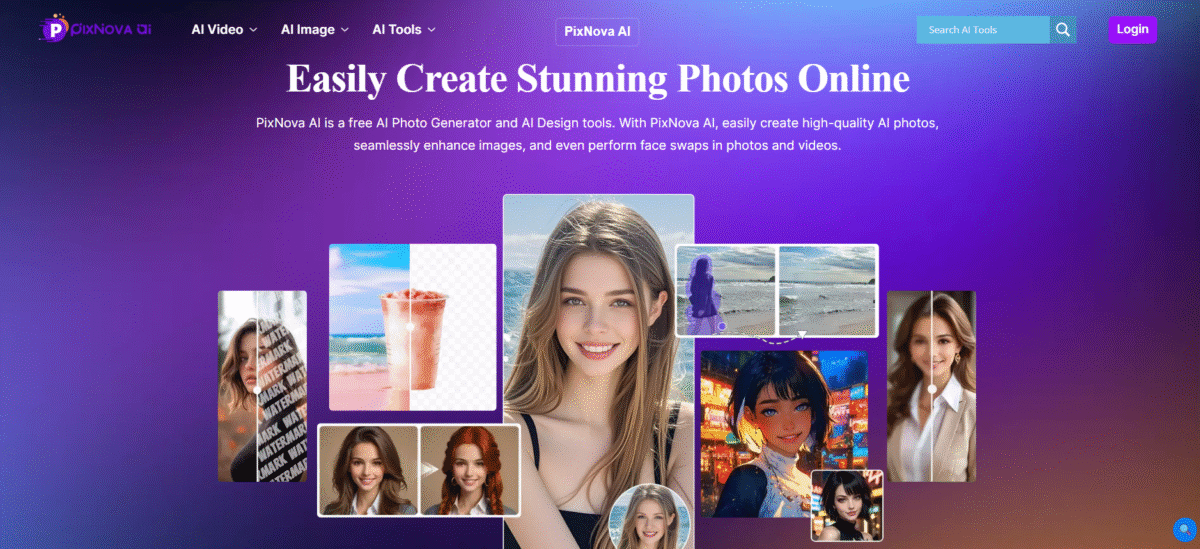
What is PixNova AI?
PixNova AI is an integrated system for creating, editing, and transforming images and videos. Instead of switching between separate tools to create images, swap faces, improve photos, remove backgrounds, and create videos. All these actions can be done using one application through the browser.
The application will be extremely beneficial to content creators, social media users, marketers, designers, and small businesses who require regular access to visuals.
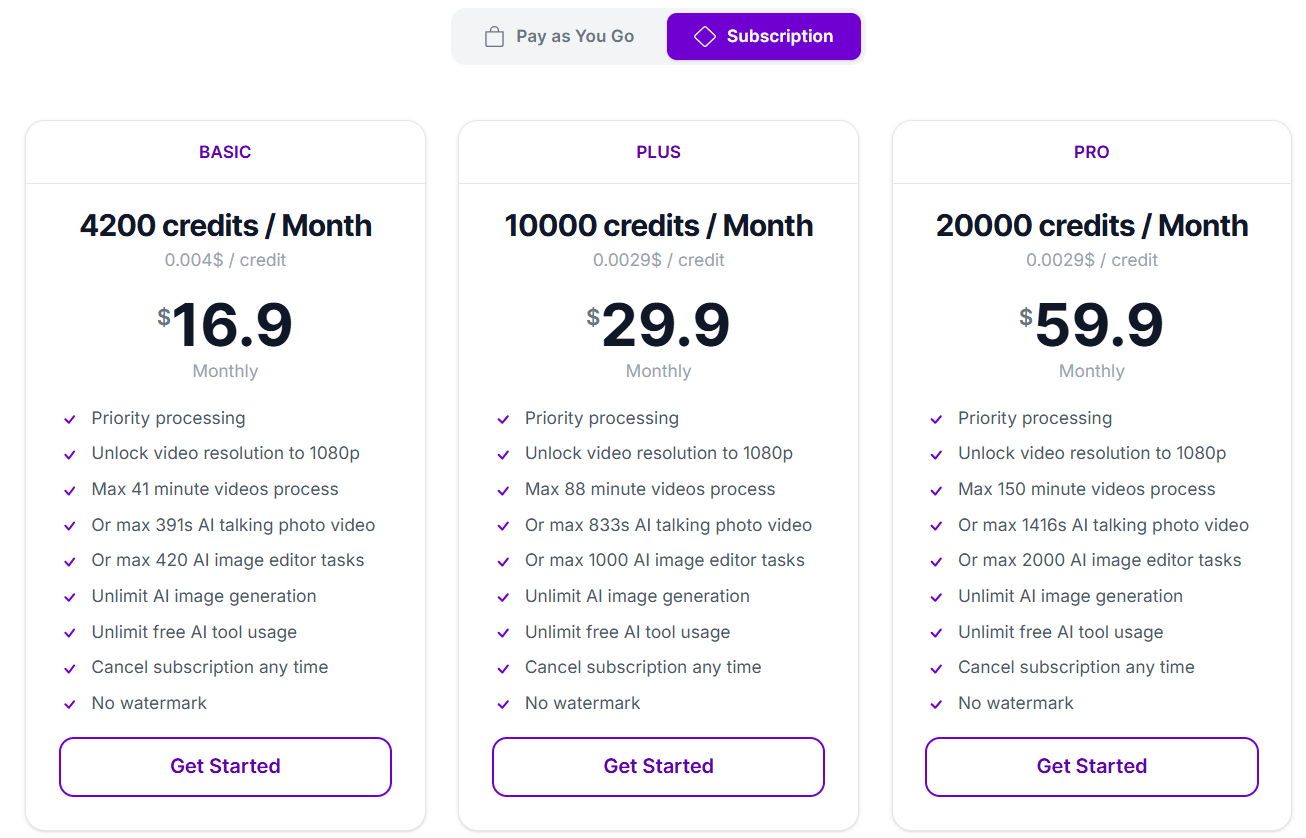
In addition, the application has free resources and some high-usage services, as well as video creation using the credit-based model.
Key Features of PixNova AI
-
Text-to-Image Generation
With over 100 artistic styles to choose from, you can generate custom artworks using textual descriptions quickly and efficiently. Users can make their own avatar, portrait, or any form of visual concept within seconds.
-
Advanced Face Swapping
Swap faces in images, videos, and GIFs with natural results on all occasions and provide for accurate alignment, lighting, and skin tone matching and will result in realistic looking results.
-
Image Enhancement and Upscaling
Using deep learning super-resolution, a photo’s resolution can be increased by 4x without any quality loss while also increasing the clarity of images, adding sharpness and enhancing the detail in images.
-
Creative Photo Transformation
Transform photos into anime-style portraits, hand-drawn sketches, professional headshots, and custom visual styles using different transformation modes.
-
Background and Object Removal
Remove unwanted objects, people, or distractions from images using advanced inpainting that automatically fills areas with naturally matched textures and lighting.
-
Photo Editing and Manipulation
Edit clothing, body proportions, hairstyles, makeup, and specific facial features using intuitive tools that learn from user selections to produce better results.
How to Use PixNova AI
- Open the PixNova AI website in your browser.
- Pick the tool that suits your needs, like text to image, face swap, image editor, or AI video.
- If the tool you picked needs an image or video, upload the required file.
- Type your prompt or adjust the existing settings.
- Create or edit your work.
- Check the output and create another one if needed.
- Save or download the final output for your intended project.
Who Can Use PixNova AI
- Creators and influencers use these tools to make visual content to engage audiences across social media channels, including Instagram, TikTok, and Facebook.
- Individuals looking to create fun, customized, or creative social media content that features their identity (AI-based facial swaps/cartoon transformations/a new hairdo) benefit from using social media networks.
- Marketers and companies will be able to advertise their products via commercial advertisement campaigns and generate marketing communications with “mock-ups” of products, without having to shoot photographs.
- Graphic designers and artists will be able to produce concepts, prototypes, and artistically transform pieces of art or artistic work quickly.
Pros & Cons
Pros:
- Huge gallery of images, videos, and editing tools
- Accessible via browser and no software installation is required
- Provides text-to-image tool
- Features face swapping and editing tools
- Provides AI image enhancement and upscaling
- Benefits content creators, marketers, designers, and users
- Free AI tools and usage provided
- Credits do not expire according to the current pricing page
Cons:
- There are many tools available that may seem daunting for beginners
- Professional video editing options may burn out credits fast
- Quality may depend on both the tool and the uploaded picture
- Certain professional editing may still need a separate editing program
- More credits will be necessary for more frequent use of specific functions
- Users should make sure they have the right to upload pictures, especially if using face-swap or paid tools