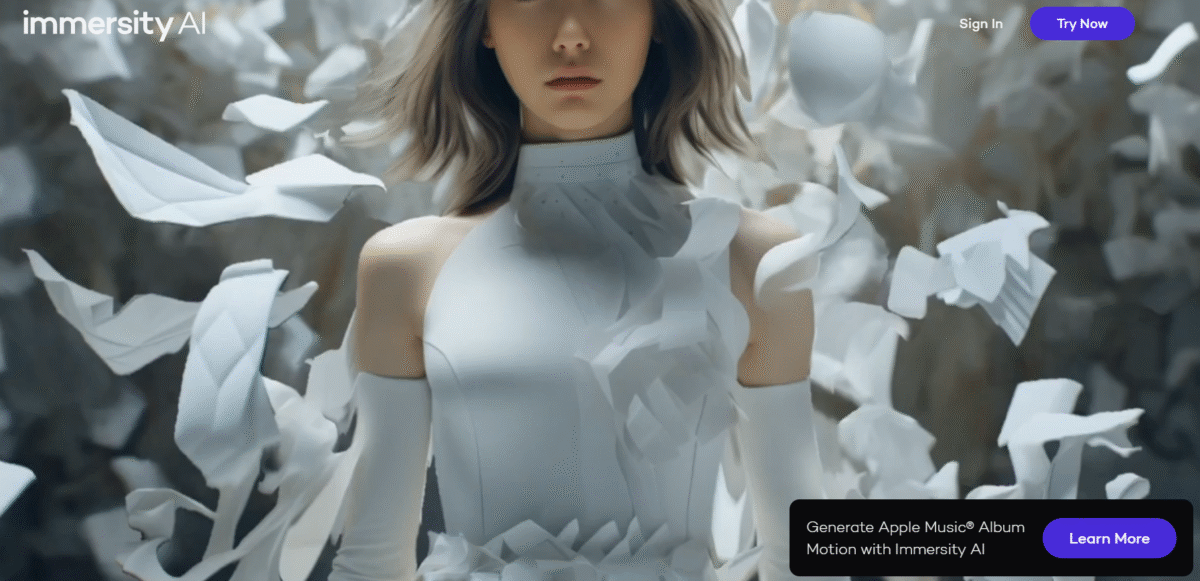
What is Immersity AI?
Immersity AI platform uses AI to transform 2D images and videos into 3D immersive experiences. The technology can create 3D depth in digital images, make 3D motion from 2D images, and create 3D videos. The use of this technology can benefit content creators, marketers, and artists in the process of creating images and videos.
Immersity AI has several key features, comprising sophisticated AI technology that deals with difficult tasks such as modifying depth maps and performing personal animations. It has a simple interface that makes this tool accessible to all, and users can easily convert pictures to various formats. Immersity AI is very important to people who want to create lifelike pictures by adding animations to still pictures.
With the use of Immersity AI, one can make more attractive and memorable animations, which can greatly enhance the impact of the visuals. It may range from improving the family album to making posts on social networking sites or presentations in a professional environment; in each case, Immersity AI provides a versatile solution to convert a static image into a more immersive experience.
Key Features of Immersity AI
-
Converting 2D to 3D Motion:
Bring static graphics to life with dynamic 3D animations, adding realism to your visual elements.
-
Instant Previews:
Get instant views of the final output to enable corrections and further adjustments prior to finalizing the conversion process.
-
Full Camera Control:
Personalize the paths of cameras to realize your desired perspective, ensuring that each of your projects meets your creative vision.
-
Multi-Layered Depth Mapping:
Improve the realism of the videos with enhanced depth information in the maps to immerse the viewer in the video.
-
Compatibility with XR Devices:
Enjoy the experience of watching or using 3D content on the latest XR devices like Apple Vision Pro or Meta Quest, further enhancing the applications of your work.
How To Use Immersity AI?
- Register to create an account on Immersity AI.
- Upload your picture or video if it is supported.
- Customize animation and adjust depth & motion.
- Select free features from Immersity AI.
- Download and export your 3D motion video or image for free.
Who Can Use Immersity AI?
- Content Creators are looking for a dynamic immersion in their visuals.
- Marketers who want to create engaging, immersive media-quality content
- Educators who want to point to interactive visuals to teach
- Game Developers looking to prototype 3D scenes quickly
- Social Media Managers looking for content that stops a scroll
- Ad Agencies interested in trying out new visual formats for campaigns
Pros & Cons
Pros:
- User-friendly interface, ideal for a beginner.
- Processing 2D to 3D is quite fast
- No stronger tech/design skill required
- Supports creative applications in marketing, education, gaming, and many other fields
- Available as a cloud-based solution, compatible with various devices
Cons:
- Editing capabilities for heavy users
- May not scale to the quality of high-end traditional 3D software
- Requires internet connectivity for processing
Pricing & Plans
500 Credits:
These are available at a price of $5.00, giving access to almost everything on the site.
1,200 Credits:
$10.00 per package, it also includes bonus credits and is considered a great value for creators.
100 Free Credits:
New users are provided with free credits to try out the functionality of the platform.