What is Napkin AI?
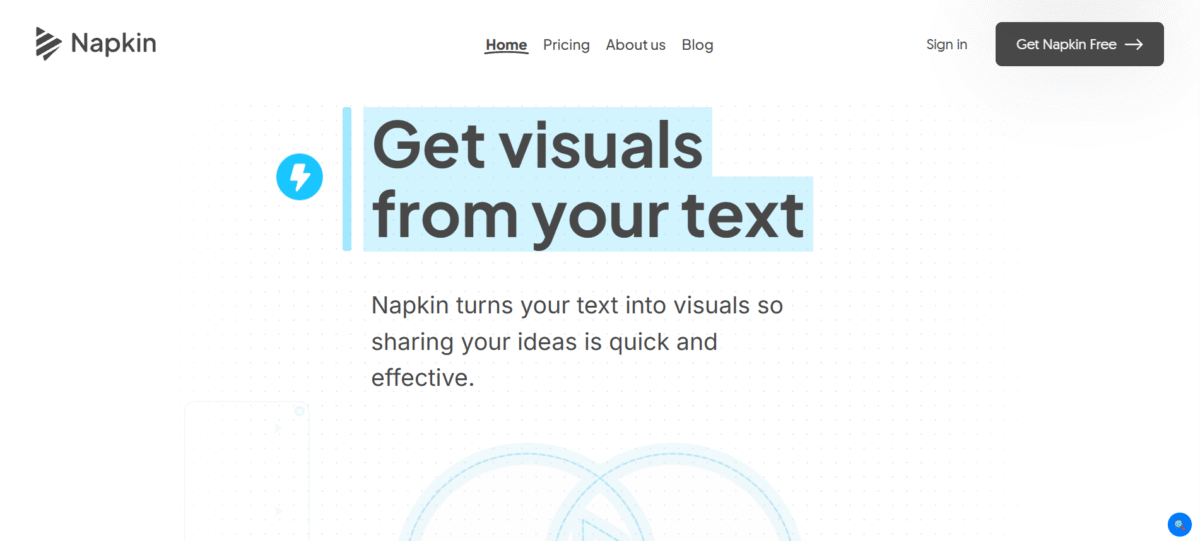
Napkin AI is a simple tool that can transform texts into images such as charts, diagrams, and flowcharts. There are two ways to do that: either write your text and create a draft, or directly write your text on a Napkin.
Key Features of Napkin AI
-
Text-to-Visual Generation
Paste your text to instantly create various visual representations.
-
Fully Editable Visuals
Edit icons, connectors, font styles, colors, and decorators to fit brand styles appropriately.
-
Dynamic Connectors and Layout Tools
Create complex diagrams and flowcharts effortlessly through smart auto-alignment.
-
Export Options
Download images as PNG, SVG, or PDF files or share it for viewing together.
-
Across Applications
Seamlessly integrate Napkin visuals into your presentations, blogs, and documents, as well as posts on social media sites like LinkedIn and X/Twitter.
-
No Prompt Writing Needed
Unlike other forms of artificial intelligence-generated pictures, the tool doesn’t require prompts to function, just simple text.
-
Real-Time Collaboration
Collaborate live on visuals, add comments, and highlight sections for feedback.
-
Mobile-View Friendly
While best optimized for use as a desktop video editing software, creations can also be viewed easily on a mobile device.
How to Use Napkin AI
- Go to the Napkin AI website and sign up or log in through a Google account.
- Click to create a new “Napkin” or a new visual.
- Users can paste copied content from documents or notes.
- For example, you type a prompt, and the AI generates the output.
- A list of available “visual options” like infographics, flowcharts, and mind maps will appear; simply scroll and select your favorite option.
- Use the double-click feature on elements to modify icons, add images, insert text, change colors, select fonts, and set font sizes.
- Choose from Export options: PNG, SVG, PDF, PPT or a ‘Shareable Link’ to ‘Presentations,’ ‘Blogs,’ ‘Social Media,’ etc.
Who Can Use Napkin AI
- Marketers, Project Managers, and Founders use to create engaging and branded images for presentations, reports, and LinkedIn marketing.
- Bloggers and social media managers can utilize the tool to create visualizations of their ideas.
- Educators & Students use to create educational diagrams and flowcharts.
- Researchers use for the transformation of complex information/data within a document or a paper into a clear diagram
Pros & Cons
Pros:
- Instantly generates diagrams, flowcharts, and infographics from text without the need for prompt engineering.
- User-friendly, intuitive interface: No requirement for previous design skills.
- Allows export in multiple formats: PNG, PDF, SVG, and editable PPTX.
- Offers options to change colors, fonts, and styles to match branding.
- Facilitates real-time, team-based editing and is ideal for fast,, iterative content creation.
- You can access a lot of its features free of cost during its beta period.
Cons:
- They may look repetitive in terms of designs compared to other professional ones, such as Adobe or Canva.
- Less effective in producing accurate visuals for highly abstract or vague text.
- It is most suitable to be used as a desktop application with limited editing functionality for mobile devices.
- There is currently no API support, and that is affecting the automation.
- As with all AI assistance mechanisms, it is often cautioned against uploading sensitive data.
Pricing & Plan
Free Plan (Beta)
$0 (forever in beta). Includes up to 500 AI credits weekly plus unlimited visual editing & importing of visual documents (PPT, DOC, PDF, HTML, MD). Unlimited exporting to PNG & PDF.
Plus Plan
$9 per person/month (billed monthly). This plan includes 10,000 AI credits per month, unlimited exports of PPT and SVG, as well as the removal of the Napkin branding.
Pro plan
$22 per person/month. This plan contains 30,000 AI credits, unlimited custom styles, the ability to upload your own font, and “exclusive” assets.