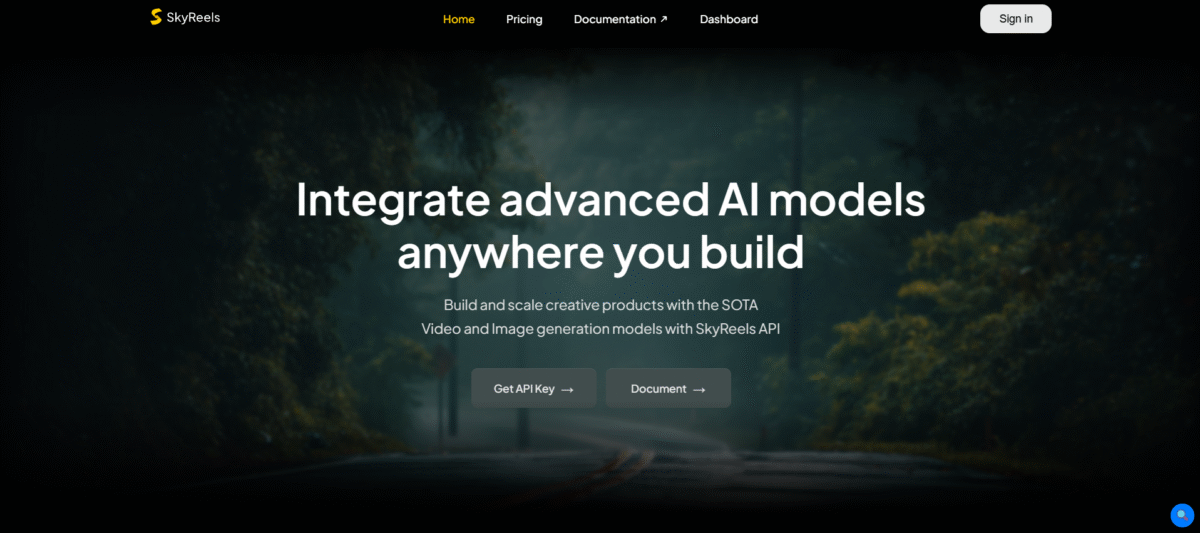
What is SkyReels?
SkyReels is AI-powered video creation software that uses text-to-image or text-to-video, converting text descriptions, images, or both into high-definition videos. It enables the creation of short videos from scripts, the addition or creation of special effects in existing videos, along with lip-syncing capabilities, which helps producers, creators, or marketers create videos without video production equipment.
Key Features of SkyReels
-
AI Video Generation:
It generates cinematic videos from text or images, allowing users to customize settings.
-
AI Drama Tool:
Builds storyboards and scenes from scripts for narrative-driven projects.
-
Facial Animation:
Supports 33 expressions and 400+ movements to create life-like characters.
-
Open-Source Framework:
Allows customization via GitHub for advanced users.
-
Cinematic Lighting:
It is a model that generates professional lighting effects, trained on film datasets.
How to Use SkyReels
- Create an account at SkyReels.ai. Once you have logged in, you’ll see a dashboard where the following options are: “Script-to-Video” and/or “Templates”.
- Paste a script (ideally 60–120 words for a 30–45s reel) or a one-line prompt. The AI can also draft a script for you on any topic.
- Choose the ratio of your shot format and the form of your visual style, like anime or realistic.
- You can also upload a Brand Kit-logo, hex colors, to apply consistent branding.
- It will generate scenes, choose stock footage, and add transitions.
- Select one of the AI voices or upload your own audio. Captions are auto-generated, and you need to adjust their timing and placement to avoid overlapping certain platform UIs-like the TikTok “Like” button.
- With an AI avatar, play B-roll footage over the top of it 40–60% of the video to maintain a natural flow.
- Export your video in 1080p. Note that exports usually consume credits from your monthly plan.
Who Can Use SkyReels
- Filmmakers: Create short films from scripts using the AI Drama Tool.
- Marketers: Make promotional videos to be used in marketing campaigns.
- Teachers: Create animated videos that can be used in the classroom.
- Comic Artists: Turn sketches into cartoon-style videos.
- Content Creators: Create videos for YouTube or TikTok with cinematographic effects.
Pros & Cons
Pros:
- Quickly produces marketing-oriented videos, allowing editors to handle more complex tasks, and is suitable for solo operations.
- Overcomes the 5-10 second limit of most AI software and allows the creation of longer shots with a story contained within the video, as observed by Skywork.ai and YouTube.
- Easy interface with drag and drop, autocaptions, and beat transitions, as described by Skywork.ai and YouTube.
- Full voice and closed captions in multiple languages for international content as required by skywork.ai.
- Includes AI Video extension, image to video, lip sync, and basic editing.
Cons:
- Results in glitches, warping, or low quality, mainly in more complicated scenes, when using weaker models.
- Not a replacement for professional tools like After Effects; lacks advanced color grading, audio mixing, and motion graphics, says Skywork.ai.
- GitHub claims that the best-performing ones, like 14 B, need more than 20GB VRAM, which makes them unusable by consumer GPUs.
- According to Medium, AI voices lack emotional depth in nuanced dialogue.
Pricing & Plan
Starter – $30
Get 750 credits with full model access and full API access, which is ideal in case of light usage and for quick testing.
Basic – $1000
Includes 28,500 credits, plus full model and API access for consistent, mid-scale workloads.
Standard – $3000
Offers access to the full model and API for high-volume needs. It gives 93,750 credits.
Business – $5000
Comes with 166,600 credits, offering full model and API access for enterprise-level operations.
Custom
Choose the number of credits you need, flexible RPM limits, and get priority access to updates contact sales to customize your plan.