What is Study Fetch?
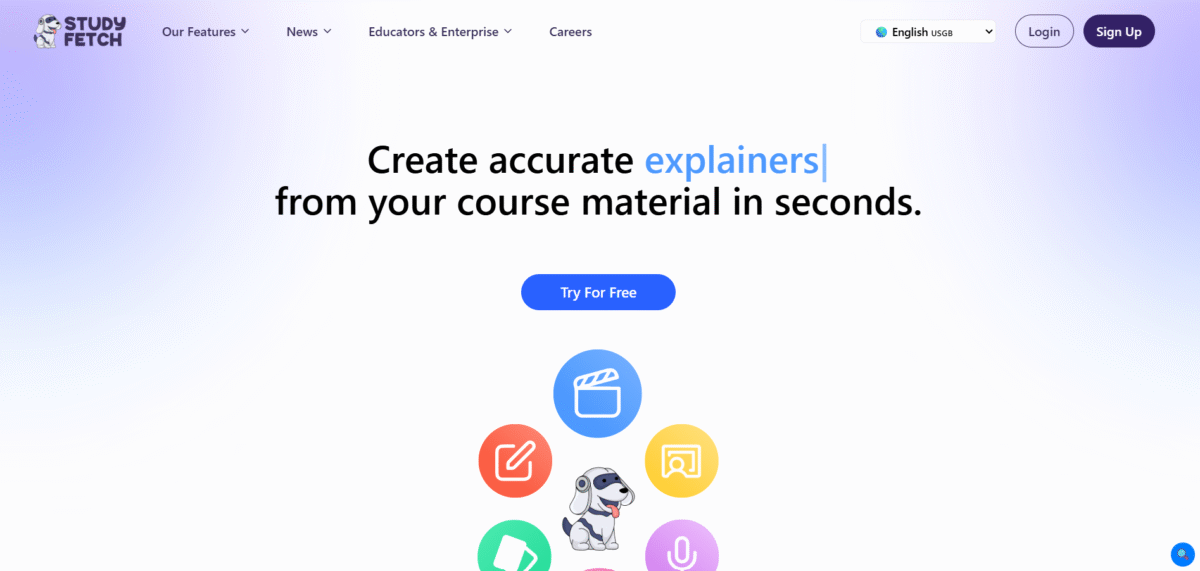
StudyFetch is an AI tool to help students and writers with academic tasks. It offers many features created to improve the learning experience, facilitating more effective information management and organization.
Key Features of Study Fetch
-
Notes AI:
Enables the automation of complete note-taking on any training material to save time and ensure key information is not missed.
-
Flashcards AI:
You can create Flashcards easily at the click of a button. It helps easily review and retain information in the long term.
-
Quizzes AI:
Create quizzes from the study material so that one can assess the knowledge gained and determine areas that need further emphasis.
-
Spark.E AI Tutor:
Engage with a personal AI tutor to learn in real-time learning and question-solving.
-
Spark.E Visuals:
Asking questions about pictures, adding to visual learning.
-
Live Lecture Recording:
Record lectures as well as take notes effortlessly.
-
Essay Grader:
This tool provides feedback and suggestions on essays, thus improving writing capabilities.
-
Audio Summary:
Get an audio summary of the study or notes to revise anywhere, anytime.
How to Use Study Fetch
- Register: Sign up on Study Fetch’s platform.
- Upload: Click on ‘Create a Set’ and upload your study material in different formats, such as PDF, DOC, PPT, and even YouTube videos.
- AIProcessing: Spark.E scans and indexes your material so it becomes searchable and interactive.
- Create and Interact: Make notes, flashcards, and quizzes. Also use Spark.E to interact.
Who Can Use Study Fetch
- Beginning from high school to universities, students can make use of organized study materials and tutors.
- Teachers can use this platform to create interactive learning material as well as check the understanding of comprehension.
- People who want to learn and master any skill or knowledge at any point in life can make use of the Study Fetch in their learning.
Pros & Cons
Pros:
- Spark.E is a powerful, 24/7 contextual AI tutor with innovative features like video generation and Wolfram math.
- It supports a wide variety of course material formats and syncs across web, iOS, and Android.
Cons:
- The free tier is highly restrictive and quickly exhausted.
- The premium plan can be costly for students on a tight budget.
- Users have reported occasional bugs and saving glitches.
- Visual AI (Spark.E Visuals) is still maturing.
Pricing
Free Plan
10 spark.E chats, 1 study set, 2 uploads. Perfect for cramming over the weekend.
Base Plan
$7.99/month. 100 chats with Spark.E, 100 study sets, five practice tests, five video or audio uploads.
Premium Plan
$11.99/month. All resources unlimited, along with services like Live Lecture Assistant and images of handwritten notes. API documentation