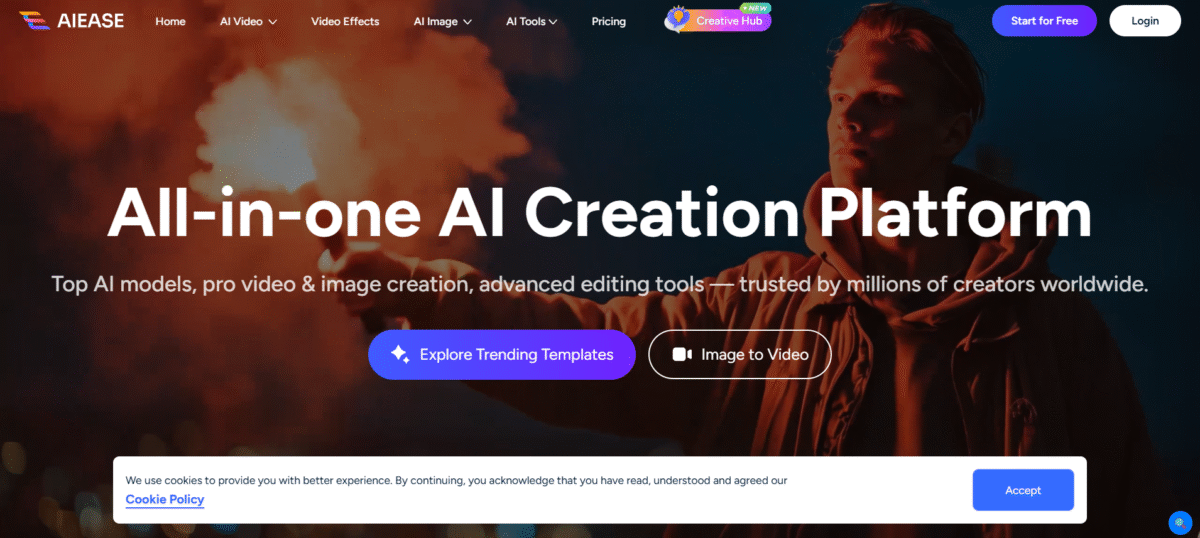
What is AIEase?
This AI tool is an online photo editor with many features to improve editing efficiency. With the use of AIEase.AI, you can retouch your portraits, create professional passport photos, and create headshot photos. Apart from that, your photos are entirely safe with this AI tool, which prioritizes user security.
It provides users with a complete suite of AI-driven, one-click tools that are specifically designed for creators, marketers, and small business owners who need professional-grade images without the hassle of using smooth image editing software like Photoshop.
Key Features of AIEase
-
AI Image Generation
AIEASE uses highly sophisticated AI algorithms that allow users to create stunning images or art using text inputs, with more than 20 AI art styles for creating unique images.
-
Background and Object Removal
Using precise AI models, users can easily remove unwanted backgrounds or objects from images, making it ideal for creating professional images.
-
Photo Enhancement
AIEASE also enables users to improve photo quality by unblurring, sharpening, or upsizing images, making it ideal for both general and artistic photos.
-
AI Headshot and Avatar Generation
The tool offers facilities to design professional headshots and artistic avatars, which can be used to enrich online profiles on sites such as LinkedIn and social media.
-
Batch Editing
It enables you to edit multiple images at once, which saves you both time and money.
-
User-Friendly Interface
The design of the interface is user-friendly, making it easy for anyone to use.
-
Web-Based Platform
There is no requirement to download any software, as it can be accessed from any device.
How to Use AIEase
- Upload your picture (JPG, PNG, etc.).
- Select an editing feature (background remover, object eraser, image enhancer, etc.).
- The system utilizes pre-trained AI models that detect, segment, and transform pixels.
- Preview your results, make any adjustments if needed, then download your enhanced picture – no watermark.
- Additionally, mobile apps (iOS / Android) allow for editing.
Who Can Use AIEase
- Content creators in need of frequent visual elements
- Small businesses that do not have in-house designers
- Influencers who need consistent visual branding
- E-commerce owners who need high-quality images of their products
- Anyone who wants an intuitive AI-powered image editor
Pros & Cons
Pros
- Good object/background removal accuracy.
- Responds to many negative reviews.
- Quick support responses.
- Good for quick art ideas and experiments
- Works well for fun, light image editing
Cons
- Headshots lack real, many faces look off
- Very limited customization over final portraits
- Valuable for casual creators and hobbyists only
Pricing & Plans
Free Plan: $0/month
Use all the tools with limited daily usage, cloud storage for 7 days, and no watermarks.
Pro Monthly: $9.99/month
Get all the features with unlimited usage, batch downloads, mobile access, and ad-free experience.
Pro Yearly: $59.99/year
Get all the features of the pro plan at just $0.16/day with speed and storage.