AI Agents for Finance: 7 Tools That Can Save Hours Every Week

Finance departments are asked to achieve more with the same resources. Every month is filled with new invoices, transactions, regulations, and financial reports, but hiring larger teams isn’t always an option.

That is the reason why some companies start using AI agents for finances that can take care of routine activities such as invoice processing, account reconciliations, document management, customer services, and financial reporting.

KPMG’s Global AI in Finance Report, 71% of companies are already using AI in their finance function. In this guide, I’ll compare the best AI agents for finance, their strengths, pricing, and who they’re best suited for.

Quick Comparison

Platform

Best For

Free Plan

Starting Price

Microsoft Copilot

Microsoft 365 finance teams

Trial From $30/user/month

IBM watsonx Assistant

Financial customer support Lite Plan

Custom

UiPath

Finance workflow automation Free Trial Custom

Salesforce Agentforce

Financial services CRM Trial

Custom

Kore.ai

Banking virtual assistants Demo Custom

Amelia

Enterprise financial support Demo

Custom

Yellow.ai

Omnichannel financial services Trial

Custom

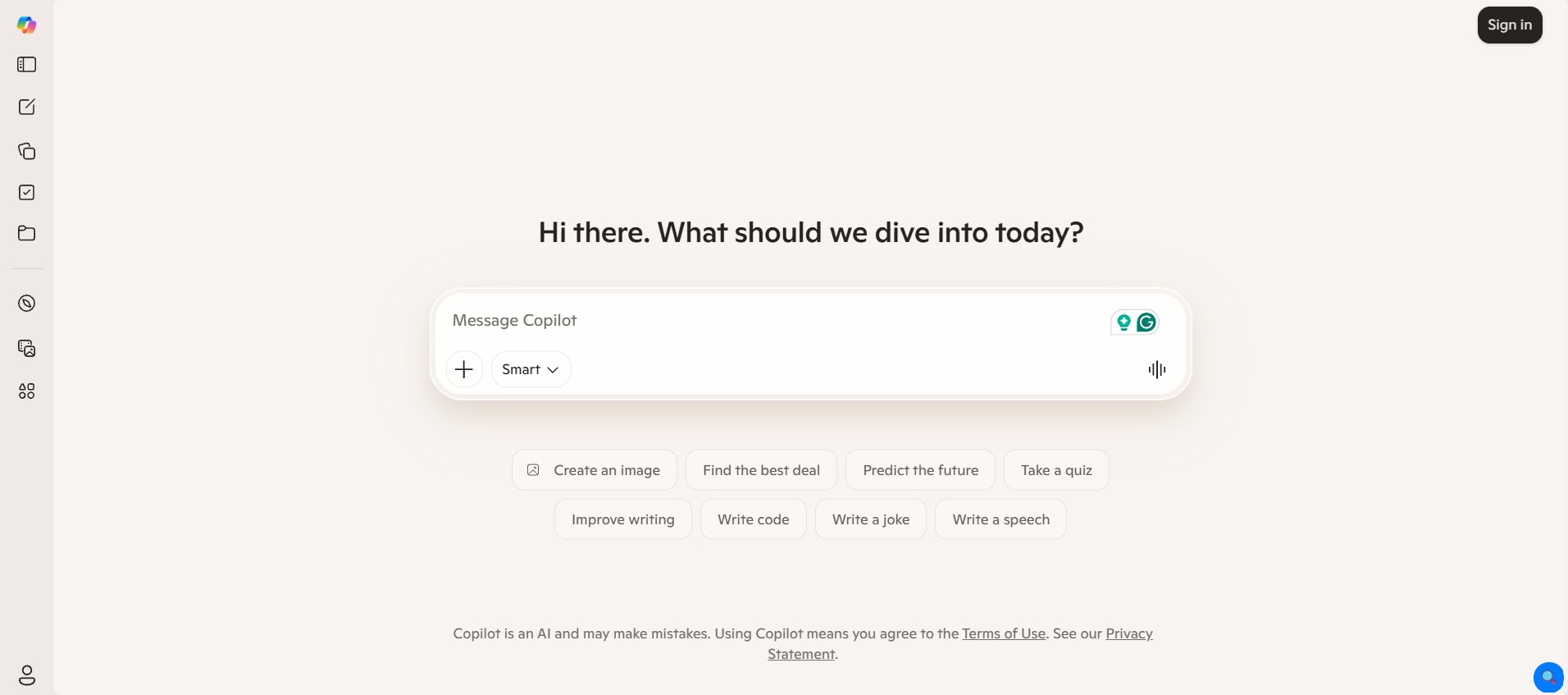
1. Microsoft Copilot

microsoft copilot

I found Microsoft Copilot helpful for preparing financial statements, writing emails, analyzing spreadsheets, and creating presentations without leaving Microsoft 365. It will not substitute for financial expertise, but it definitely eliminates the repetition in tasks that take most of the working day. For companies already using Microsoft’s ecosystem, it’s one of the most practical AI agents for finance available today.

Strengths

  • Deep Microsoft 365 integration
  • Excel analysis and formula assistance
  • Outlook email drafting
  • Word document creation
  • Teams meeting summaries
  • Enterprise-grade security

Limitations

  • Best experience requires Microsoft 365
  • Premium features require paid licensing

Best For

Finance professionals, accountants, analysts, and enterprise teams.

Pricing

Microsoft 365 Copilot – From $30/user/month

2. IBM watsonx Assistant

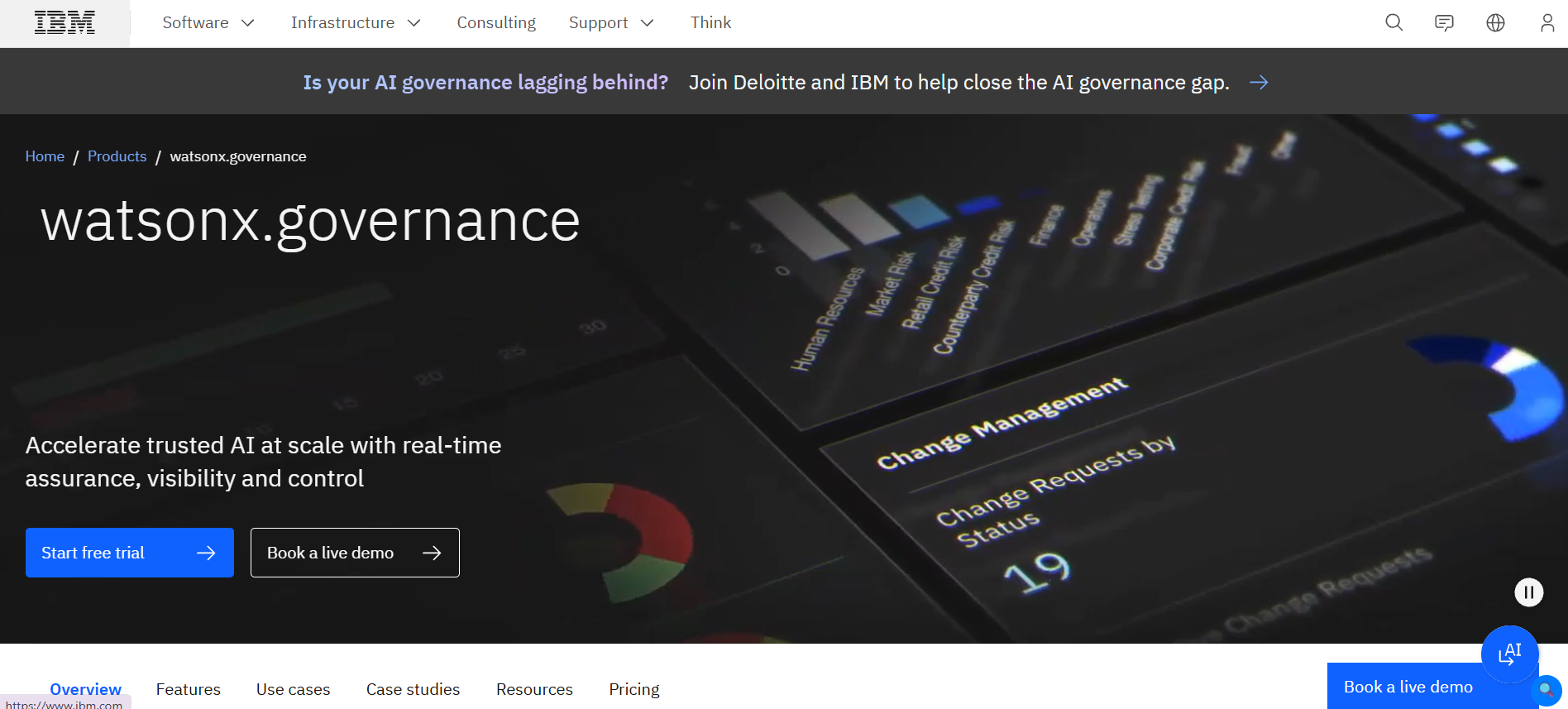
ibm watsonx assistant

What I like about IBM watsonx Assistant is its focus on providing secure and enterprise-level customer interactions, rather than being an all-purpose personal assistant. Customers looking for information about loans, banking solutions, or 24/7 support can benefit from automated interactions in the financial sector.

Strengths

  • Enterprise-grade conversational AI
  • Banking and financial services support
  • Omnichannel deployment
  • Natural language understanding
  • Secure integrations
  • Human agent handoff

Limitations

  • Enterprise setup can take time
  • Pricing isn’t publicly available

Best For

Banks, insurance companies, credit unions, and financial institutions.

Pricing

  • Lite Plan – Free
  • Enterprise – Custom pricing

3. UiPath

uipath

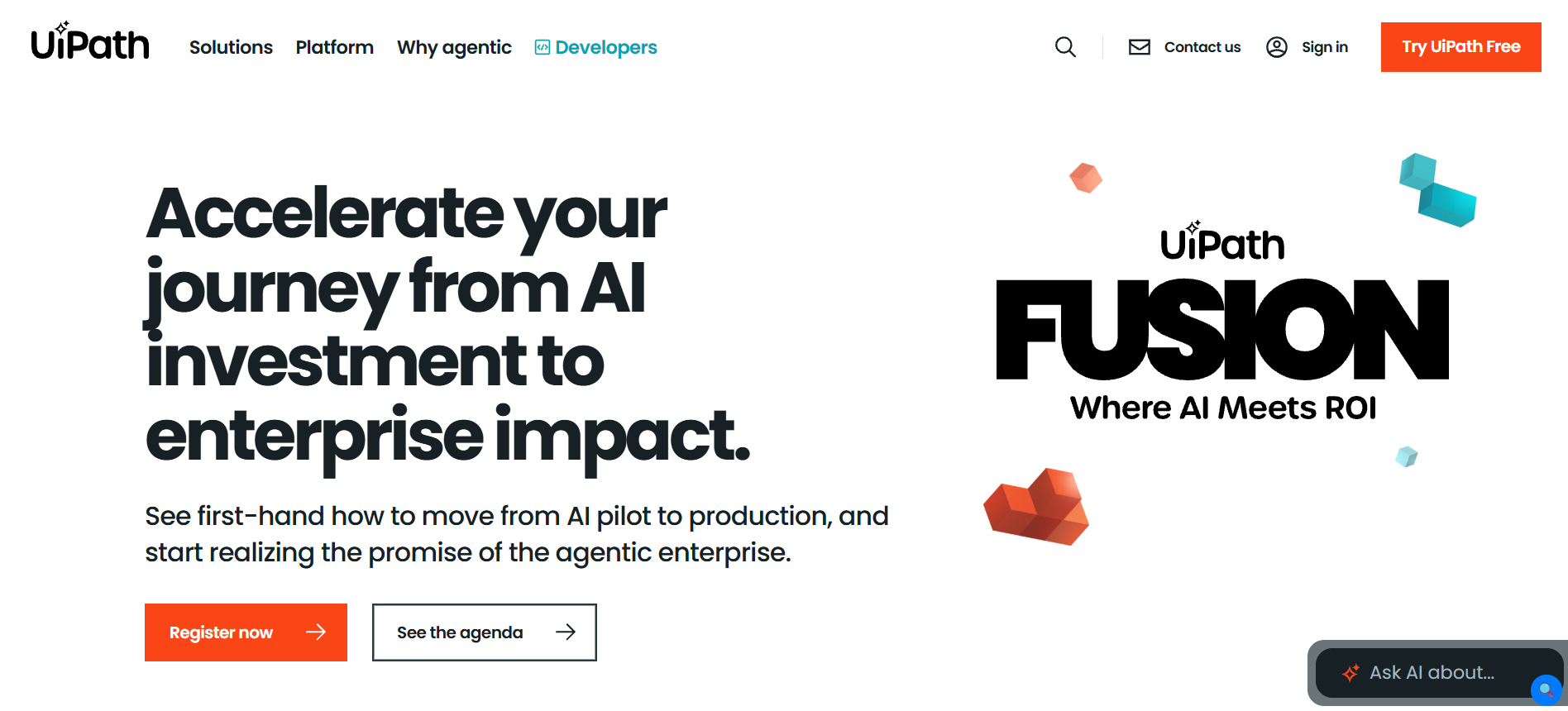
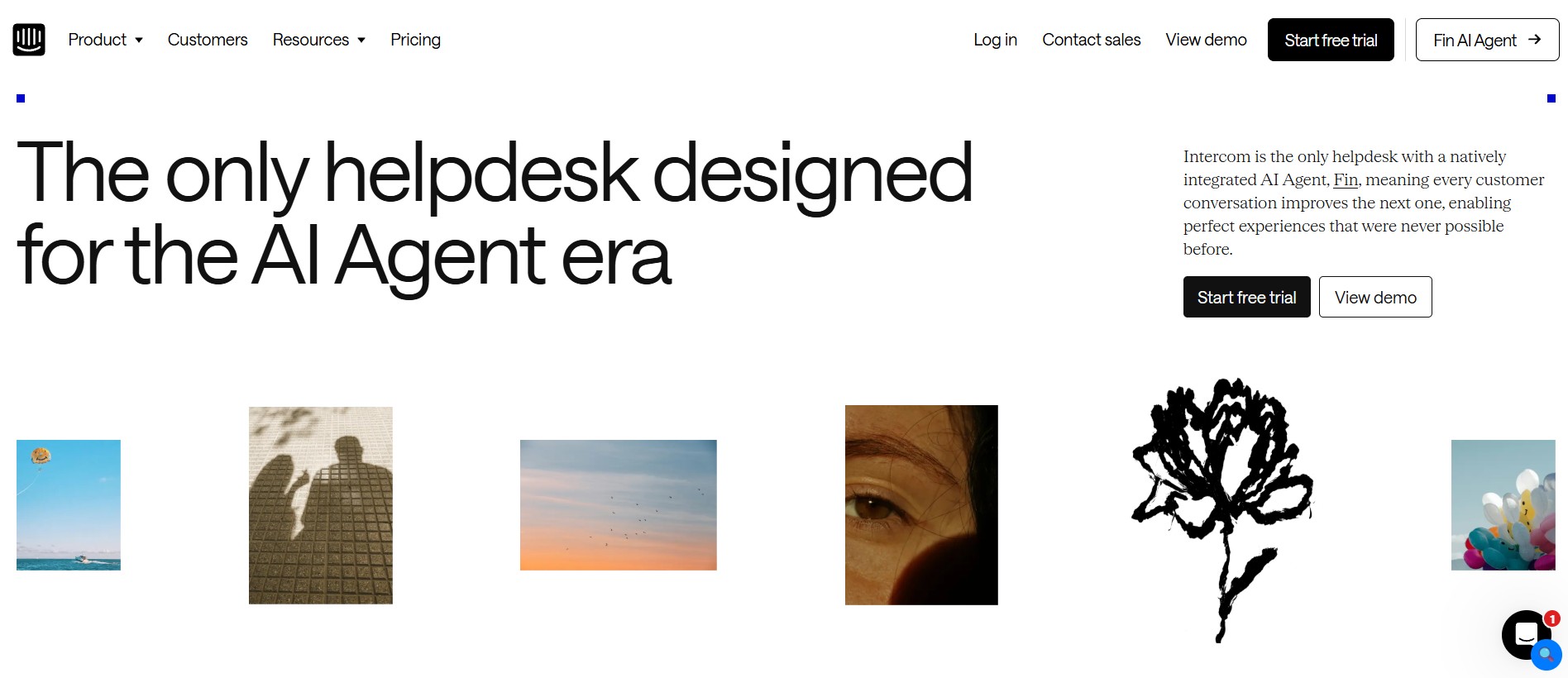
UiPath is one of those platforms that left me wondering, “Why are people doing this manually?” UiPath utilizes robotic process automation along with artificial intelligence to automate repetitive financial processes that would take your employees countless hours each week to complete. 

If you have no intentions of creating a customer-oriented chatbot, but need to improve the efficiency of your team, then UiPath is one of the best AI agents for financial services.

Strengths

  • Robotic process automation (RPA)
  • Invoice processing
  • Financial reconciliation
  • Document understanding
  • Workflow automation
  • ERP integrations

Limitations

  • Requires workflow planning
  • Enterprise pricing

Best For

Accounting teams, finance operations, and enterprise automation.

Pricing

  • Free Trial
  • Enterprise – Custom pricing

4. Salesforce Agentforce

salesforce agentforce

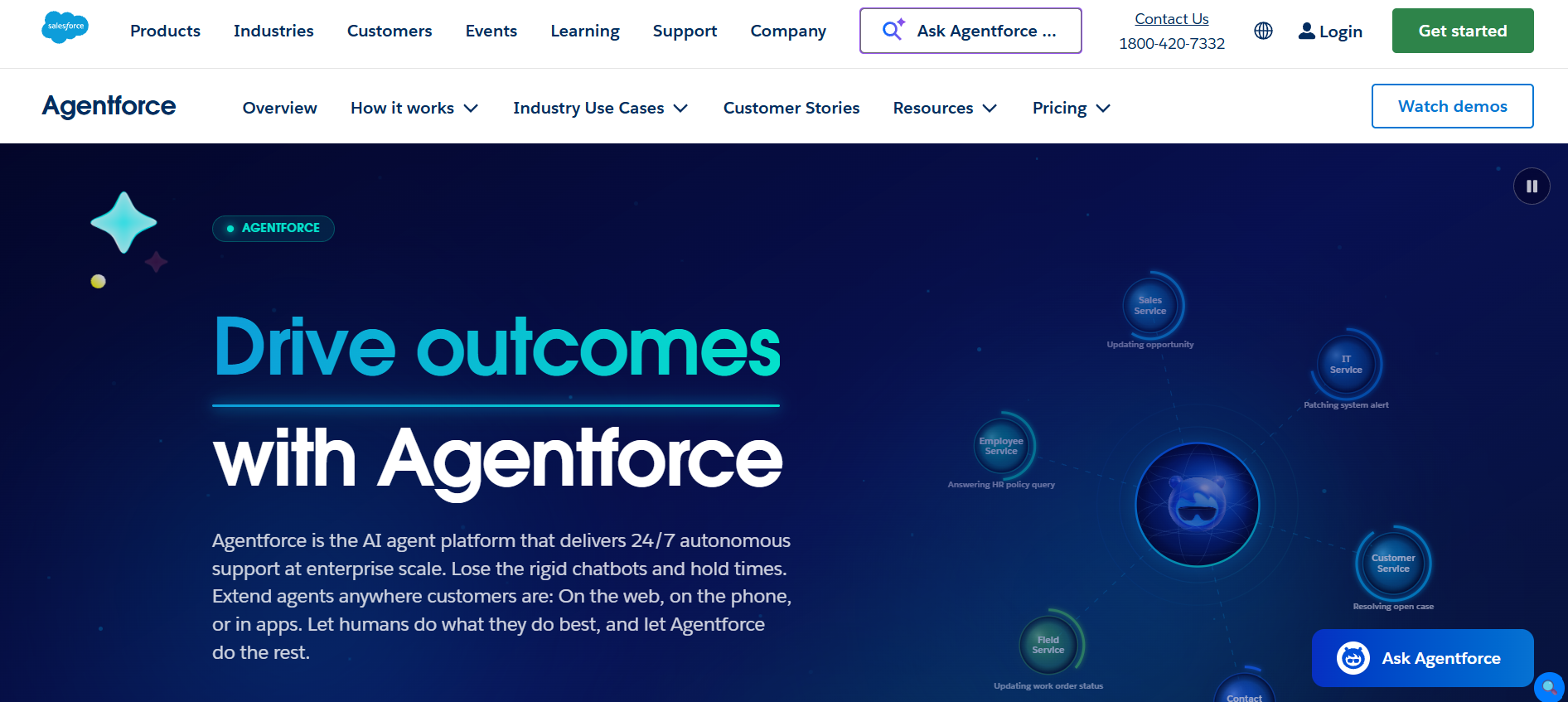
The Salesforce Agentforce helps through its provision of AI within the CRM itself, enabling the team to make quick responses, access customer data, and even automate some processes. The part I like about it is that it runs on Salesforce, meaning that employees won’t have to move around different platforms.

For businesses using Salesforce Financial Services Cloud, it’s just like an addition to what they have.

Strengths

  • Salesforce CRM integration
  • Customer service automation
  • Workflow automation
  • Case management
  • Financial customer engagement
  • Enterprise security

Limitations

  • Best suited for Salesforce users
  • Requires Salesforce ecosystem

Best For

Financial advisors, wealth management firms, and customer support teams.

Pricing

  • Free Version
  • Starts at $2 per conversation.
  • $500 USD/ Per 100K Credits.

5. Kore.ai

kore ai

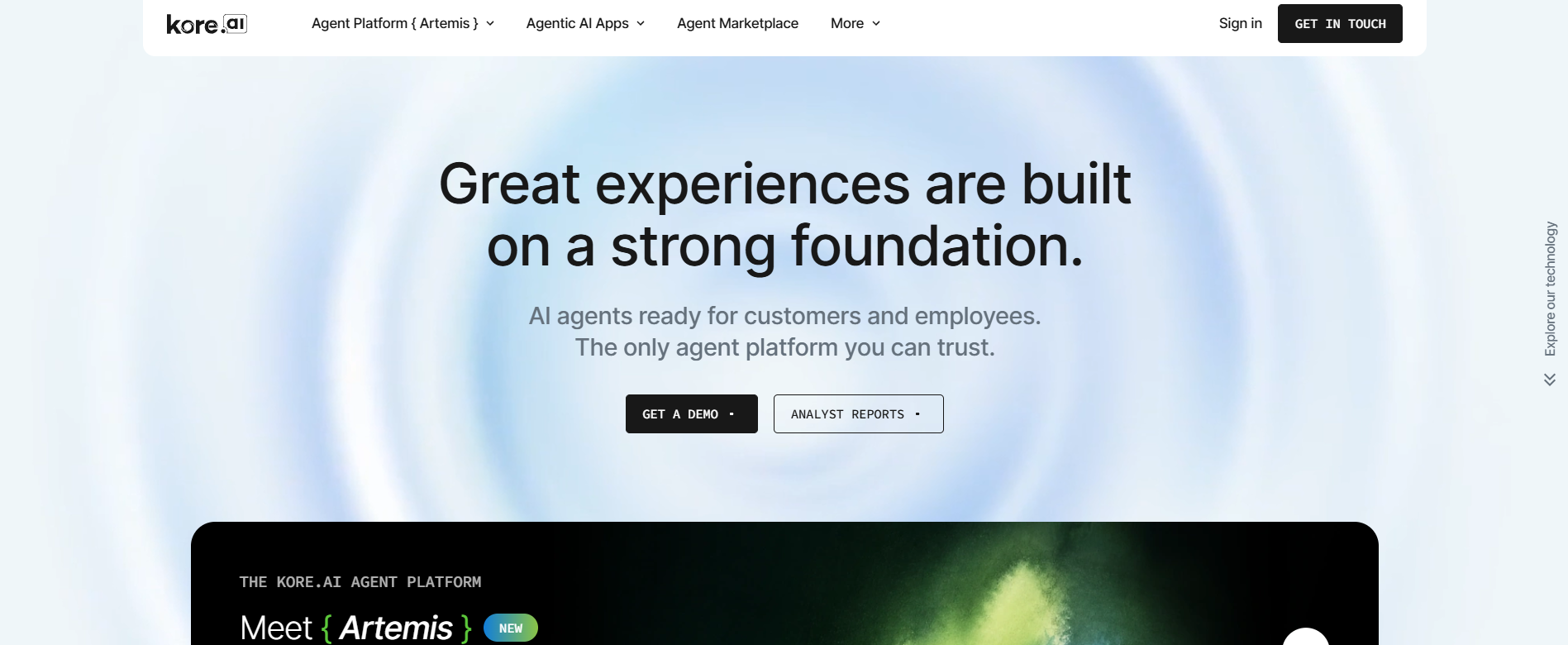
Kore.ai is particularly helpful for banks and financial firms where there is a large number of customer requests daily. You can create a single virtual agent for all channels rather than creating separate bots for each channel. This solution also includes built-in use cases for banking, which would save time on developing these use cases if started from scratch.

Strengths

  • Built for enterprise virtual assistants
  • Omnichannel support (web, mobile, voice, messaging)
  • Banking and financial service templates
  • Natural language understanding
  • CRM and core banking integrations
  • Analytics and reporting dashboard

Limitations

  • Better suited for medium and large organizations
  • Custom pricing can be expensive for smaller businesses

Best For

Banks, insurance providers, fintech companies, and enterprise customer support teams.

Pricing

  • Custom pricing (Contact Sales)

6. Amelia (by SoundHound AI)soundhound ai

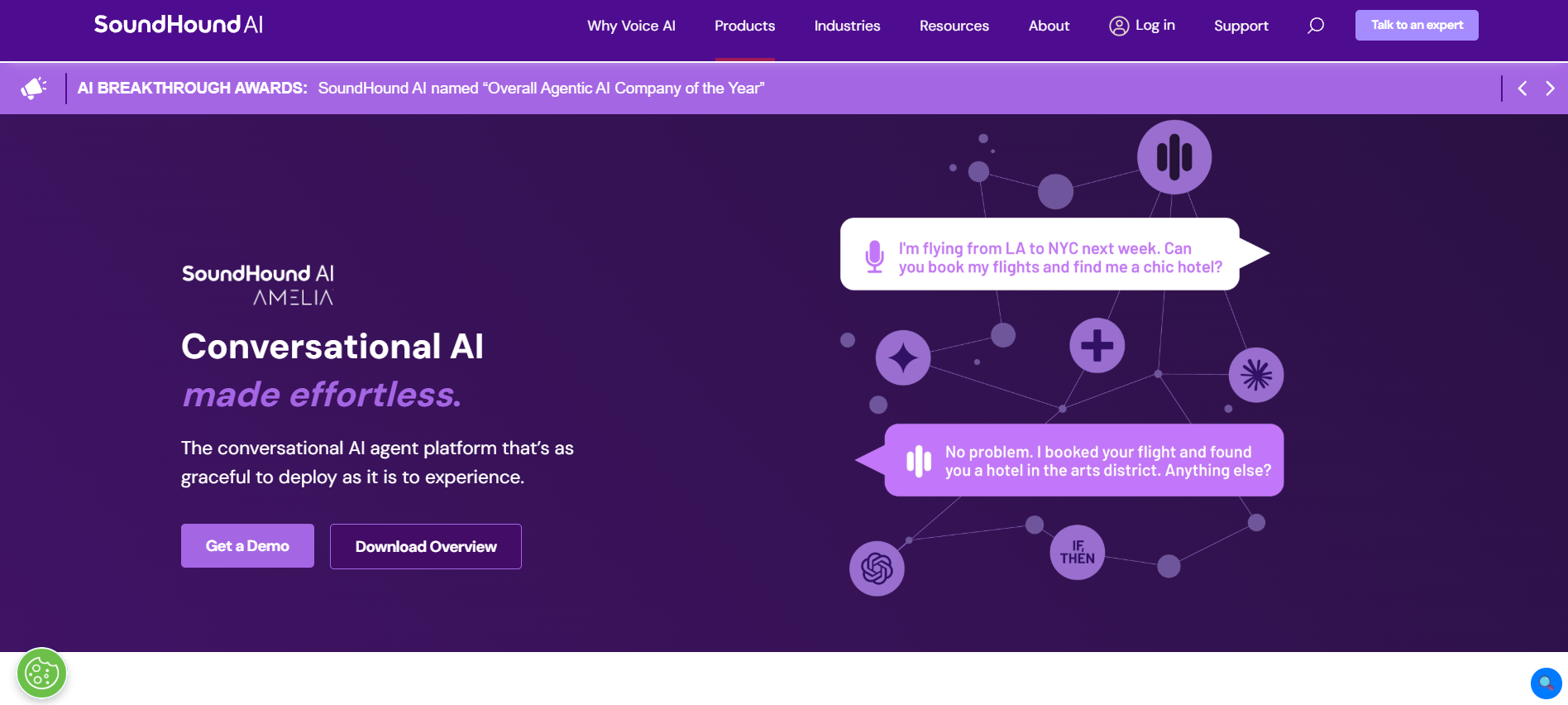
Amelia focuses on handling more complex conversations while integrating with business systems behind the scenes. I was impressed by how well it manages multi-step requests, such as helping customers check account information or guiding them through loan and insurance processes. For financial organizations looking to improve customer experience without increasing support staff, Amelia is a strong enterprise option.

Strengths

  • Human-like conversations
  • Multi-step workflow automation
  • Financial services automation
  • CRM and ERP integrations
  • Multilingual support
  • Enterprise security and compliance

Limitations

  • Enterprise-focused pricing
  • Implementation may require technical support

Best For

Large financial institutions, insurance companies, and enterprises handling complex customer interactions.

Pricing

  • Custom pricing (Contact Sales)

7. Yellow.ai

yellow ai

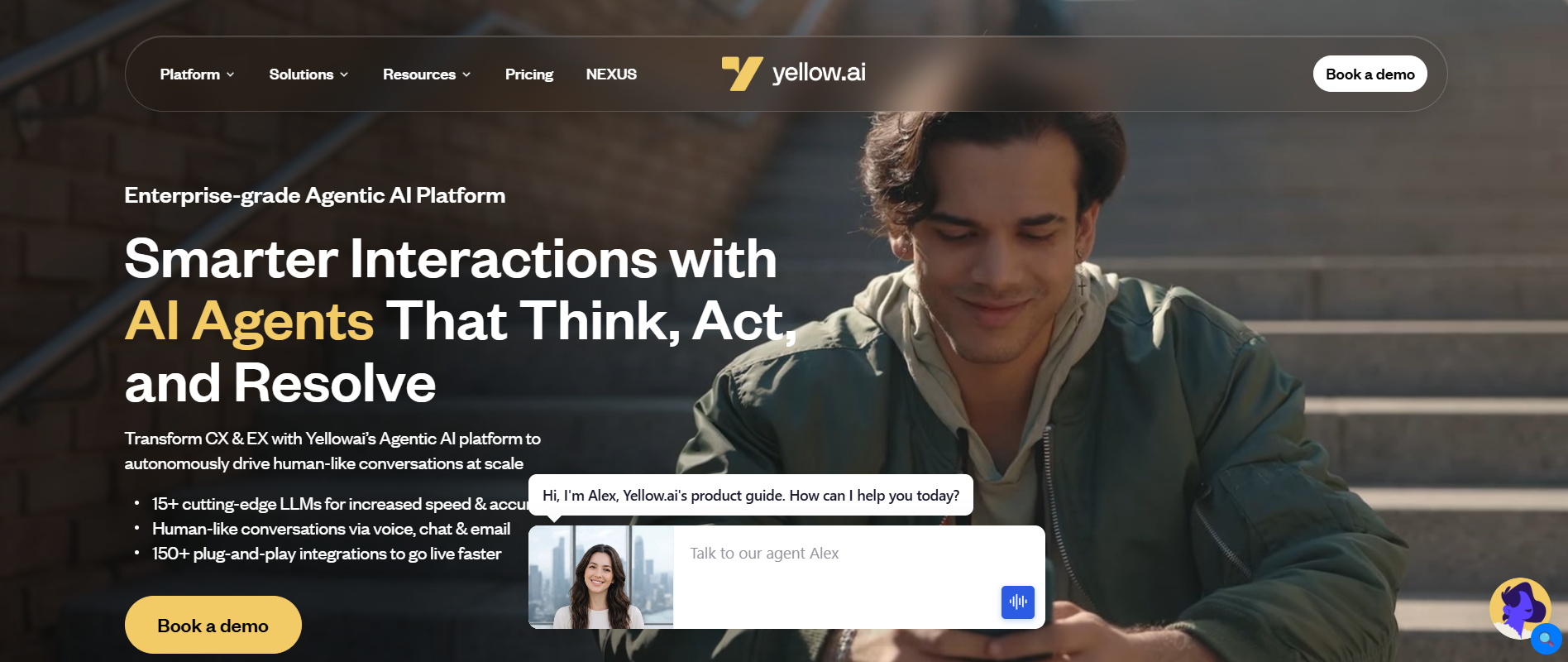
When your customers get in touch with you using WhatsApp, live chat, email, and voice, managing all these conversations manually is tough. This is where Yellow.ai comes into the picture. It impresses me by providing an opportunity to companies to create a single assistant that can be used on different channels without compromising on customer experience. It is particularly helpful for financial services providers who wish to automate certain tasks without compromising on customer service.

Strengths

  • Omnichannel customer support
  • Voice and chat automation
  • Multilingual conversations
  • CRM integrations
  • Workflow automation
  • Analytics and reporting

Limitations

  • Advanced capabilities require enterprise plans
  • Smaller businesses may not need all available features

Best For

  • Banks, fintech startups, insurance providers, and customer service teams.

Pricing

  • Free Trial Available
  • Enterprise pricing on request

Wrapping It Up

After comparing these platforms, I don’t think there’s one winner for every finance team. The best choice depends on what you’re trying to improve.

Since you work with Microsoft 365, Microsoft Copilot is most likely the best starting point as it integrates seamlessly into your workflow. Should your use case be for customer support within banking and insurance firms, then IBM Watsonx Assistant and Kore.ai provide virtual assistants designed specifically for financial services companies. If what you are struggling with is back-office operations, I’d recommend looking at UiPath because workflow automation is where it is really good.

It is good that most of these tools have demo accounts or free trials available and allow users to find whether the tool will work for them or not.

By Alex Peter

Alex Peter is an AI specialist at Innovexa AI with more than 5 years of practical experience in artificial intelligence. He focuses on AI agents, AI workflows, cutting-edge AI tools, and the latest advancements shaping the industry. Passionate about simplifying complex concepts, Alex writes insightful content that helps readers stay informed and ahead in the fast-changing world of AI.

Top AI Agent Builders: 5 Platforms Worth Trying

Developing an AI agent is not only for developers. Over the last year, I’ve experimented with different AI agent builders that can simplify automation, the development of customer service agents, and even the creation of internal agents without spending weeks coding.

According to Microsoft’s 2024 Work Trend Index, 75% of knowledge workers already use AI at work, showing just how fast businesses are adopting smarter ways to automate everyday tasks.

Some tools are perfect for people who require full control, while other tools would be perfect if you are in search of an extra, no-code solution. For example, n8n was my favorite tool when it comes to workflow automation, Flowise surprised me by its visual interface for building LLM agents, and Dify amazed me with fast deployment of the chatbot. So, choosing the best AI Agent Builder is more about your workflow than the feature list on the pricing page.

To make your decision easier, I compared the most popular platforms based on ease of use, flexibility, pricing, and who they’re best suited for.

Quick Comparison

Platform

Best For

Free Plan

No-Code

Starting Price

Innovexa AI

Custom business AI agents

Demo $29/month

n8n

Workflow automation Free

Flowise

Visual LLM agents

Free

Dify

AI apps & chatbots

Free

Langflow

LangChain workflows

Free

1. Innovexa AI

innovexa ai

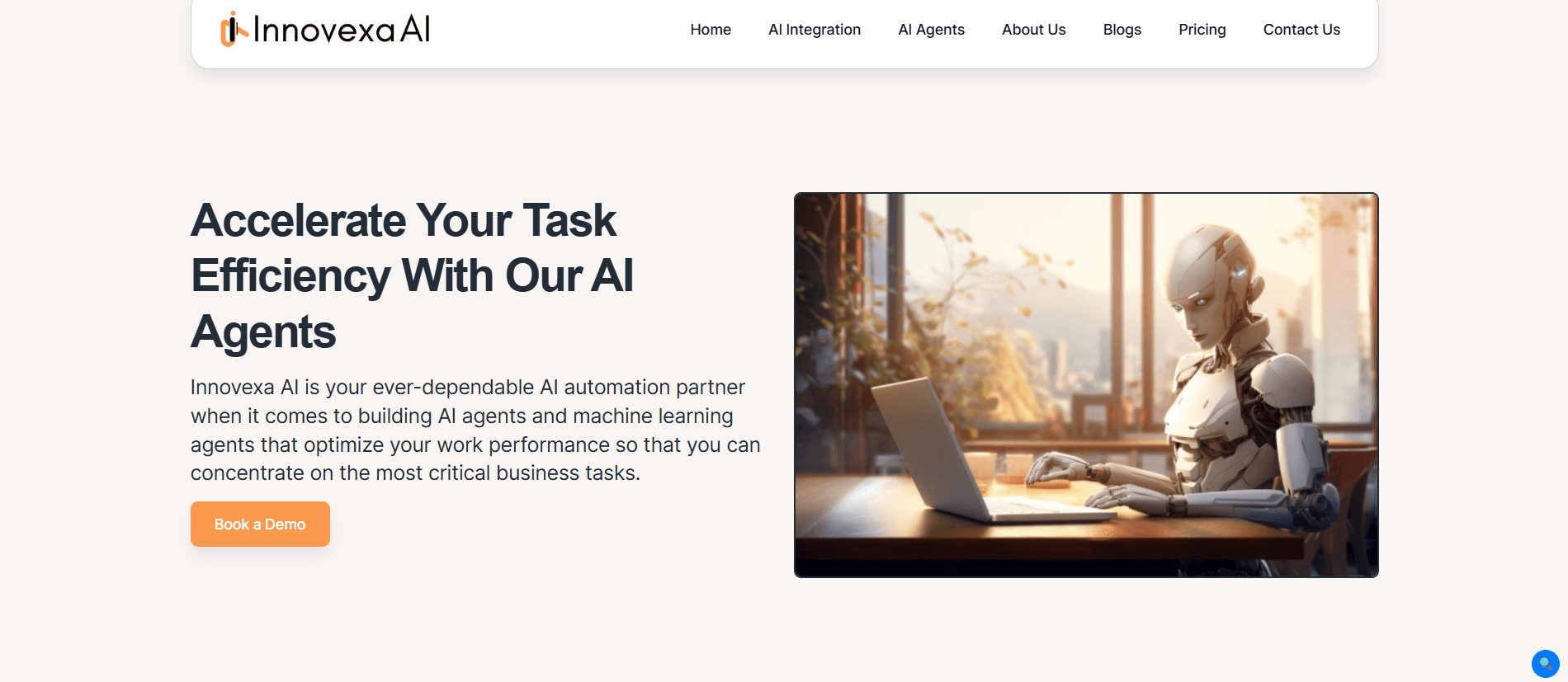
When I started comparing the AI agent builders, I wasn’t just looking for platforms that can tie API’s or automate workflows. I was looking for something that businesses could customize based on their own workflow and didn’t have to build from scratch. 

Innovexa AI helps companies create their own AI agents for customer service, operational efficiency, sales, marketing, research management, and workflow optimization. Innovexa AI is the right choice if your company needs a tailor-made AI agent rather than changing the process according to the software.

Strengths

  • No-code AI agent development
  • Custom AI agents built around business workflows
  • Customer support automation
  • Internal business process automation
  • Document and knowledge management capabilities
  • Enterprise-ready deployment
  • Dedicated implementation and consulting support
  • Scalable for growing businesses
  • Free demo available

Limitations

  • No public free plan

Best For

Businesses, enterprises, organizations, and teams looking for custom-built AI agents instead of pre-built templates.

Pricing

  • Custom pricing (Contact the Innovexa AI sales team for a tailored quote.)

2. n8n

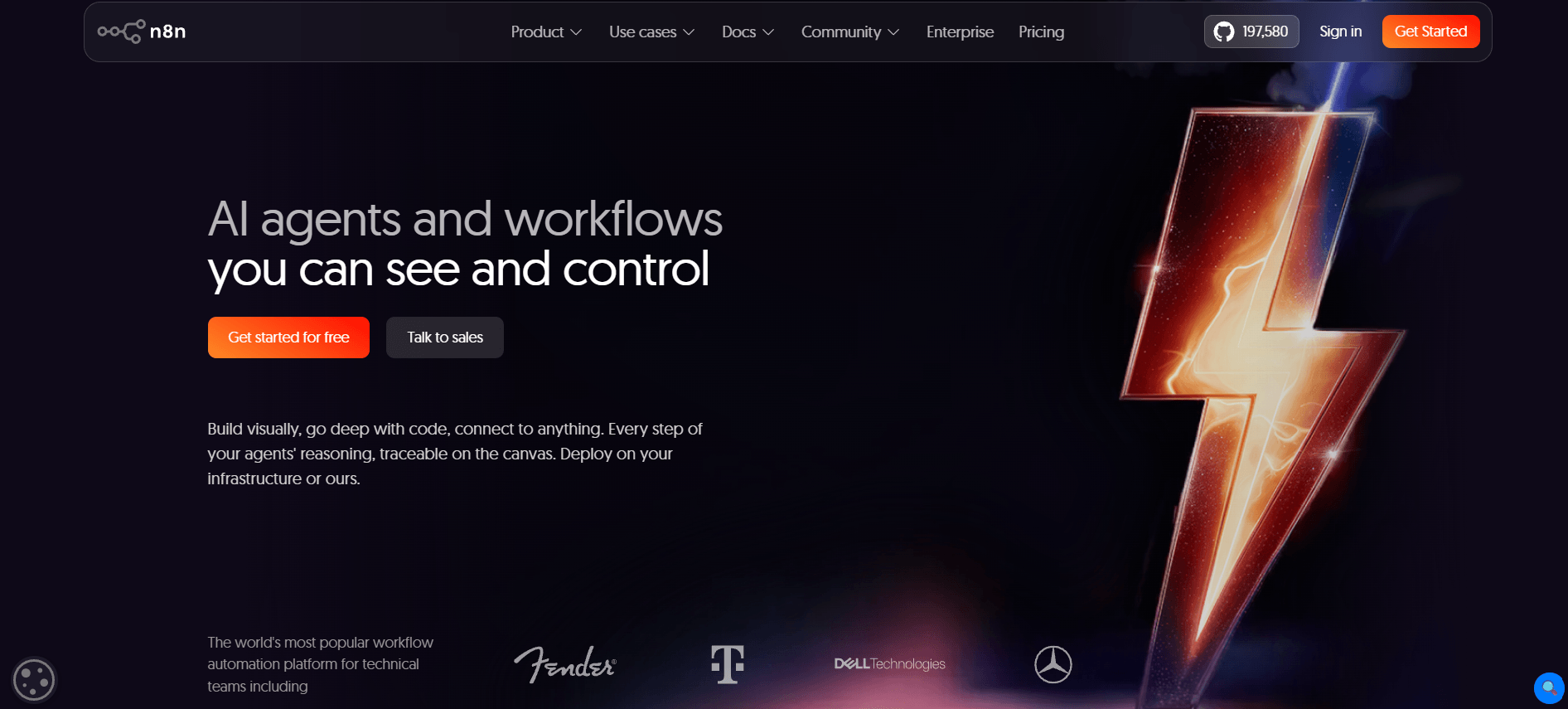
n8n

If you have ever felt that it would be great if you can make your apps communicate with each other by writing just a few lines of code, then n8n is the first platform that comes to mind. One thing that appeals to me about it is how easy it is to integrate with commonly used platforms such as Slack, Gmail, Notion, Google Sheets, and many others. If you’re searching for an AI agent builder no-code solution, n8n is the best.

Strengths

  • Visual workflow builder
  • Connects with 500+ applications
  • Supports OpenAI, Anthropic, Google Gemini, and other LLMs
  • Self-hosted option available
  • Large automation template library
  • Active open-source community

Limitations

  • Advanced workflows have a learning curve
  • Some integrations require API knowledge

Best For

Businesses, operations teams, developers, and automation enthusiasts.

Pricing

  • Community Edition – Free
  • Starter – From $24/month
  • Pro – From $60/month
  • Enterprise – Custom pricing

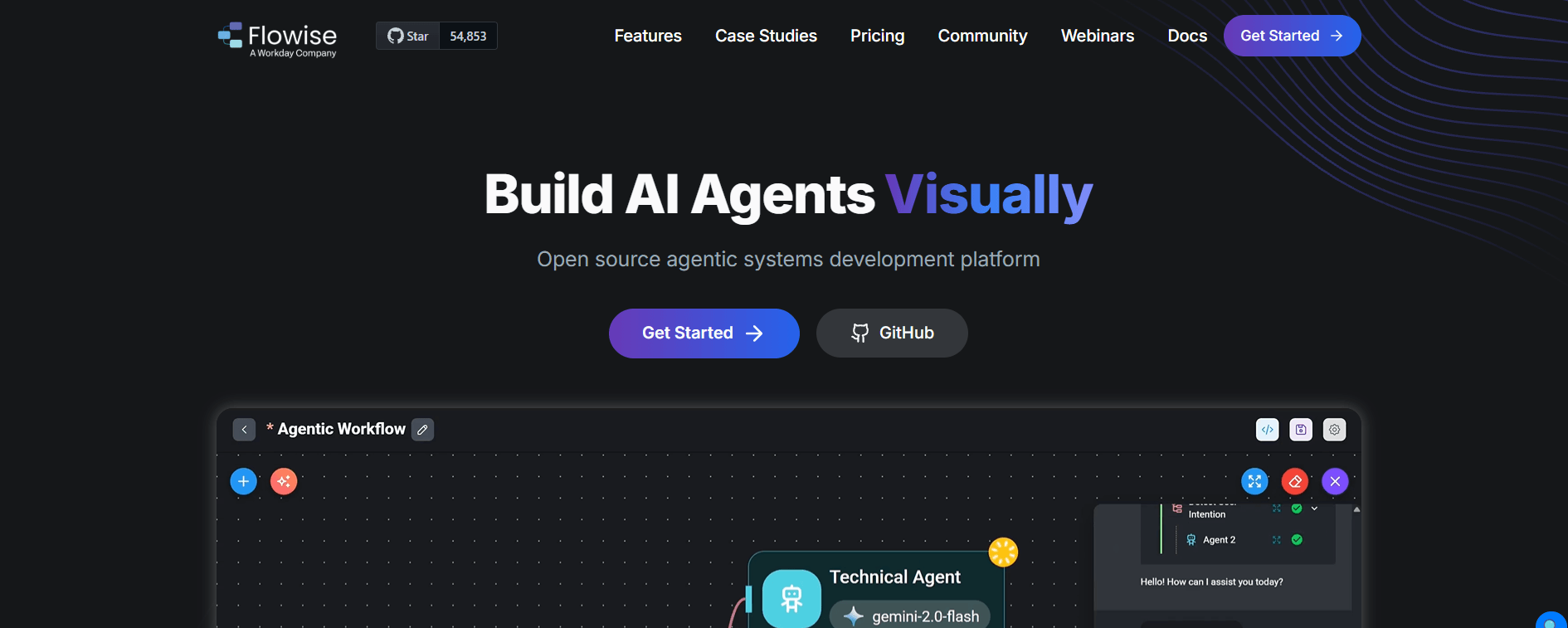
3. Flowise

flowise

While experimenting with Flowise, what impressed me the most was not the range of functions, but rather the speed of creating something functional. Everything is done via the visual drag and drop interface where you connect language models, databases, APIs, and memory without going from one documentation to another.

When you are looking to test the AI workflow or design your own assistants without having to become a LangChain expert, then Flowise is the perfect choice for you, and the best option available in the best AI agent builder free options because the open-source version includes everything needed to get started.

Strengths

  • No-code visual builder
  • Open-source platform
  • Supports multiple LLM providers
  • API and database integrations
  • Memory management
  • Self-hosting available

Limitations

  • Limited enterprise features compared to commercial platforms
  • Complex workflows may still require technical knowledge

Best For

Developers, startups, and teams building custom AI assistants.

Pricing

  • Open Source – Free
  • Cloud plans – Starting from approximately $35/month
  • Enterprise – Custom pricing

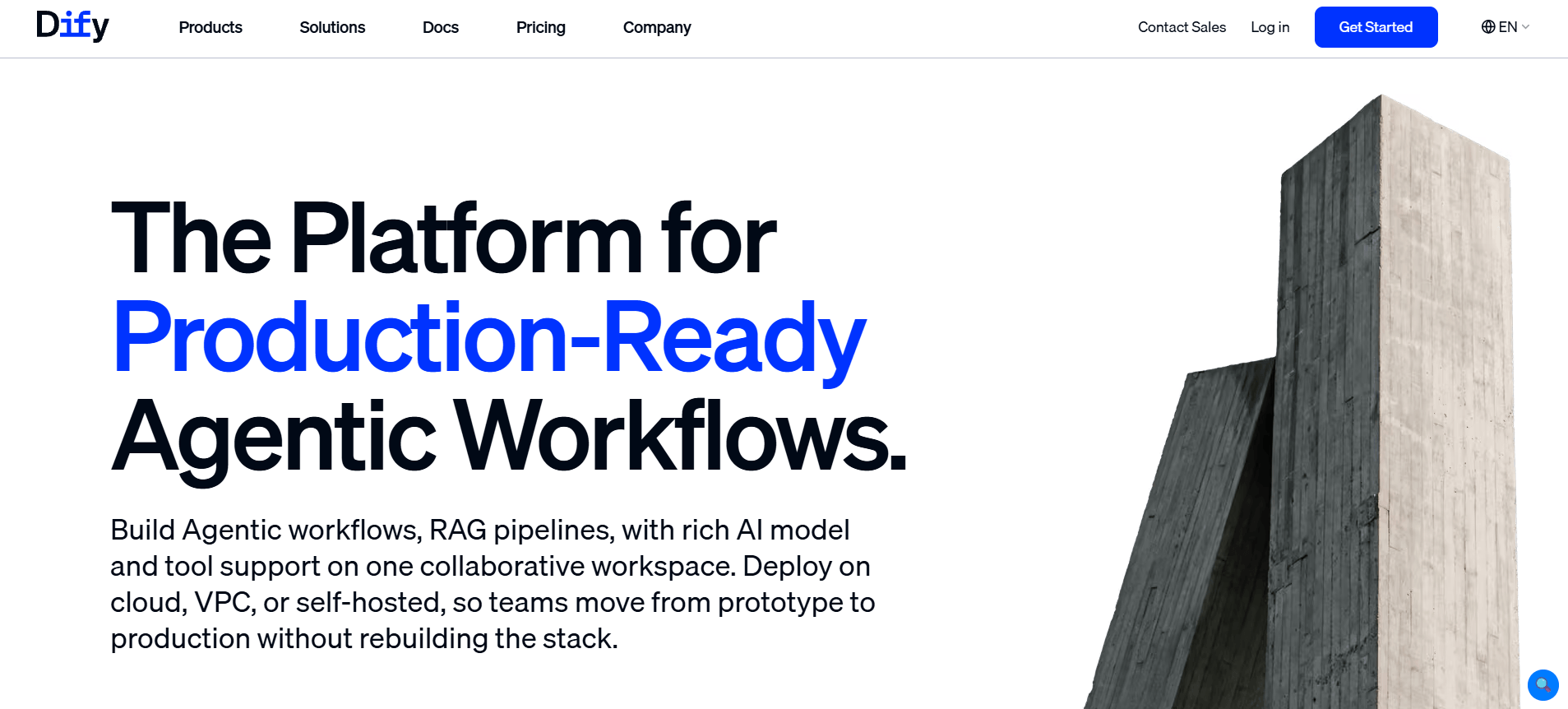
4. Dify

dify

Other AI tools require spending several hours adjusting parameters before you get something useful. However, this is not the case with Dify. I managed to build my chatbot rather quickly and the interface did not become complicated after including knowledge bases and workflow.

That is why I would suggest this to small businesses and startups who want to get an AI agent builder for free prior to spending on enterprise solutions. It provides you with all necessary flexibility to create valuable applications without complicating the whole process.

Strengths

  • Easy-to-use interface
  • Prompt management
  • Knowledge base support
  • Workflow builder
  • API deployment
  • Open-source edition
  • Multiple LLM integrations

Limitations

  • Some advanced collaboration features require paid plans
  • Smaller integration ecosystem than larger competitors

Best For

Startups, SaaS companies, and businesses building AI applications.

Pricing

  • Open Source – Free
  • Professional Cloud – Starting around $59/month
  • Team & Enterprise – Custom pricing

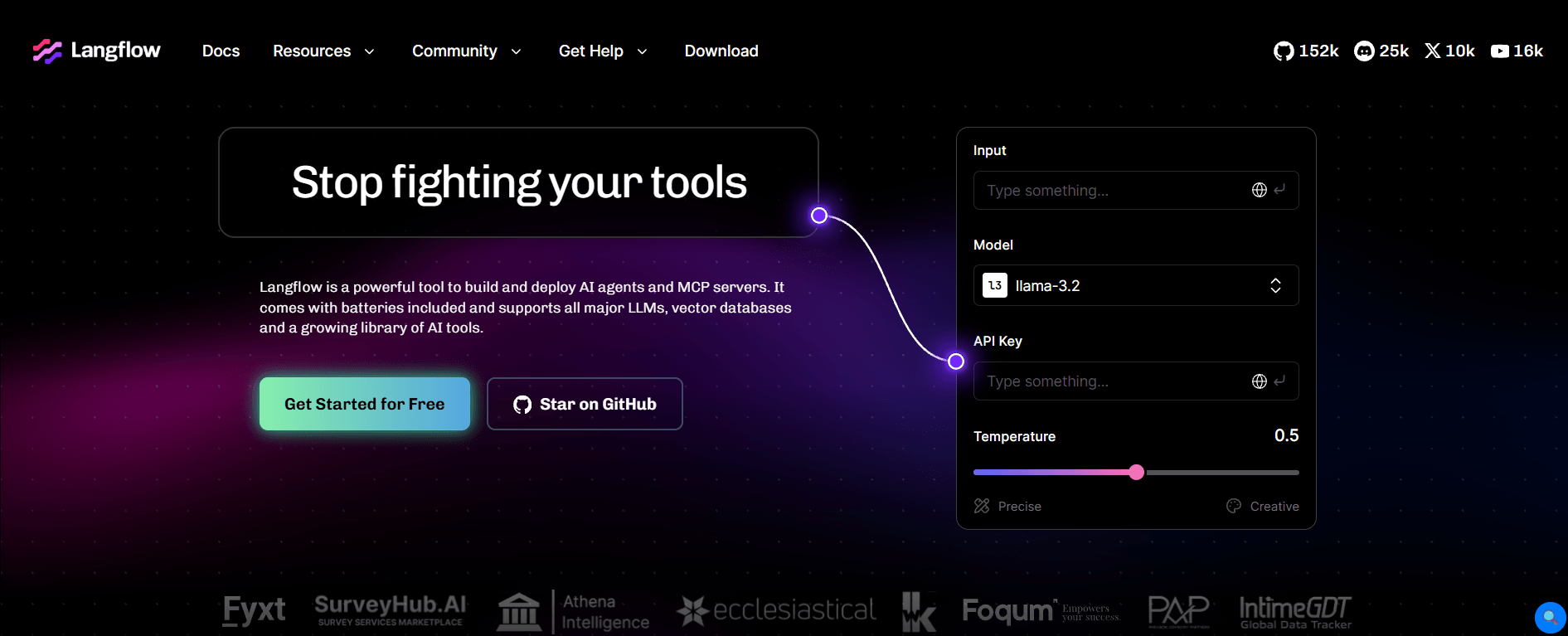
5. Langflow

langflow

If you have heard some good things about LangChain but do not feel like implementing everything in Python, then Langflow is something to consider. Rather than coding complicated workflows yourself, you can simply construct your AI workflow visually and know exactly how data flows between prompts, models, memories, and other external services.

I would not recommend it to somebody looking for a basic chatbot, but if you are a developer or a tech team that plays around with AI, then Langflow is among the best visual tools.

Strengths

  • Drag-and-drop workflow builder
  • Built on LangChain
  • Open-source
  • Supports multiple language models
  • API deployment
  • Component-based architecture
  • Extensible with custom nodes

Limitations

  • Better suited for technical users
  • Requires some understanding of LLM workflows

Best For

Developers, AI engineers, and technical teams building advanced AI agents.

Pricing

  • Open Source – Free
  • Self-hosted deployment – Free
  • Enterprise support – Custom pricing

Wrapping It Up

Based on my experience with these builders, I don’t believe that there is a single tool that suits all people.

When it comes to the best AI agent builder free tools, I would recommend trying Flowise, Dify, or n8n. These platforms have enough functionalities to use even without subscribing to a paid subscription.

When enterprise security and governance are your primary concerns, then Copilot Studio by Microsoft or Vertex AI Agent Builder should be your first choice, especially if you are using Microsoft or Google Cloud Platform.

In terms of customer support and conversational AI, Botpress makes a good compromise between usability and advanced features.

Fortunately, almost all of the platforms we have mentioned above have a free tier available for you to try building an agent and see whether it’s worth upgrading.

By Alex Peter

Alex Peter is an AI specialist at Innovexa AI with more than 5 years of practical experience in artificial intelligence. He focuses on AI agents, AI workflows, cutting-edge AI tools, and the latest advancements shaping the industry. Passionate about simplifying complex concepts, Alex writes insightful content that helps readers stay informed and ahead in the fast-changing world of AI.